6. Scanning From Your Computer
5. Pull down the File menu and choose Acquire.
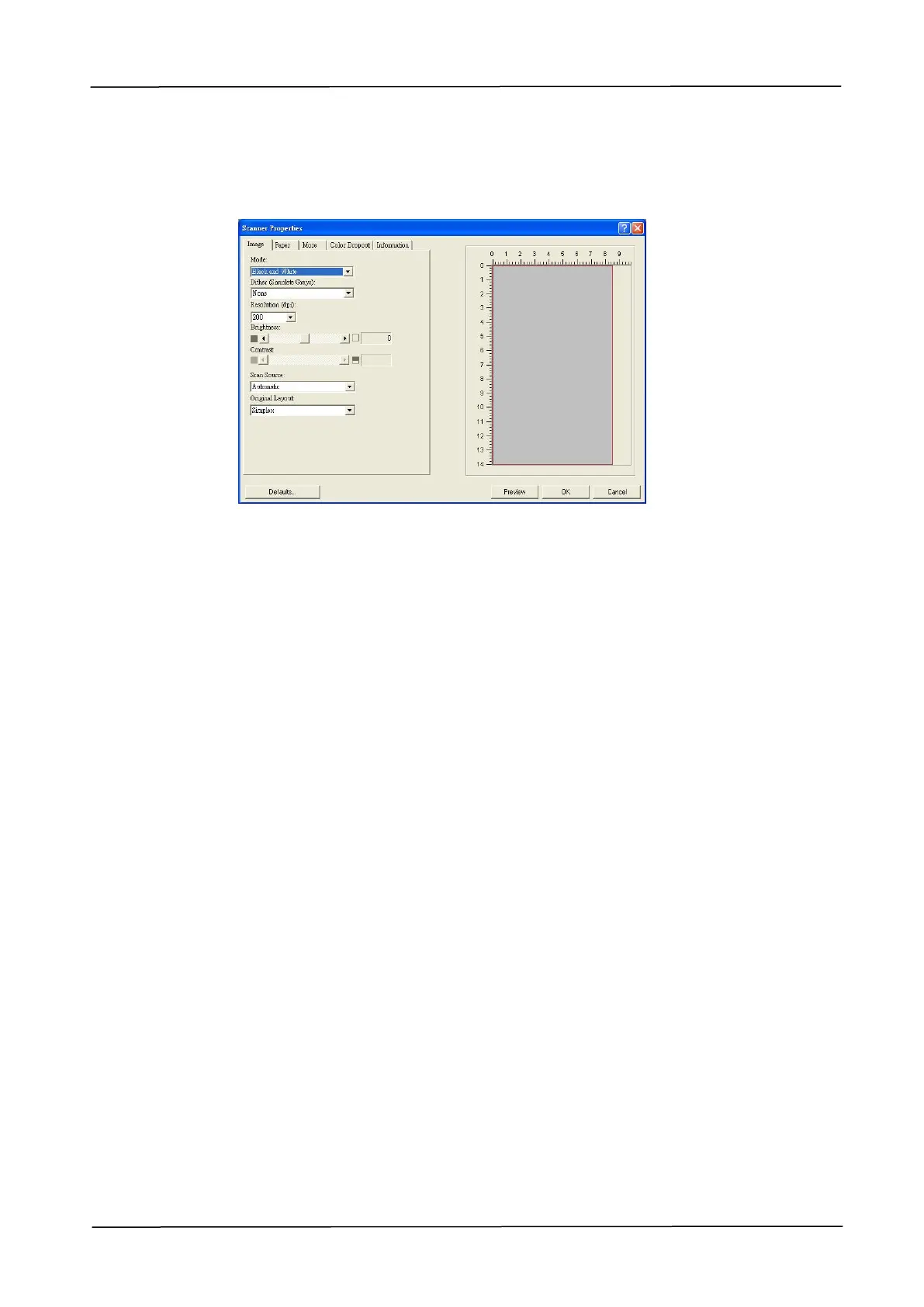
A dialog box containing scanning features appears.
6. Select the scanning method you want to use on the Scan Source drop-down
menu.
7. Select the mode you want to use for your scans on the Image Mode
drop-down menu.
8. Select a scanning resolution on the Resolution drop-down menu.
9. Select the setting for the scanning features (e.g. Brightness, Contrast,
Original Layout, etc.) that you want to use.
10. Click on Preview or Scan to preview or scan you documents.


 To Next Page