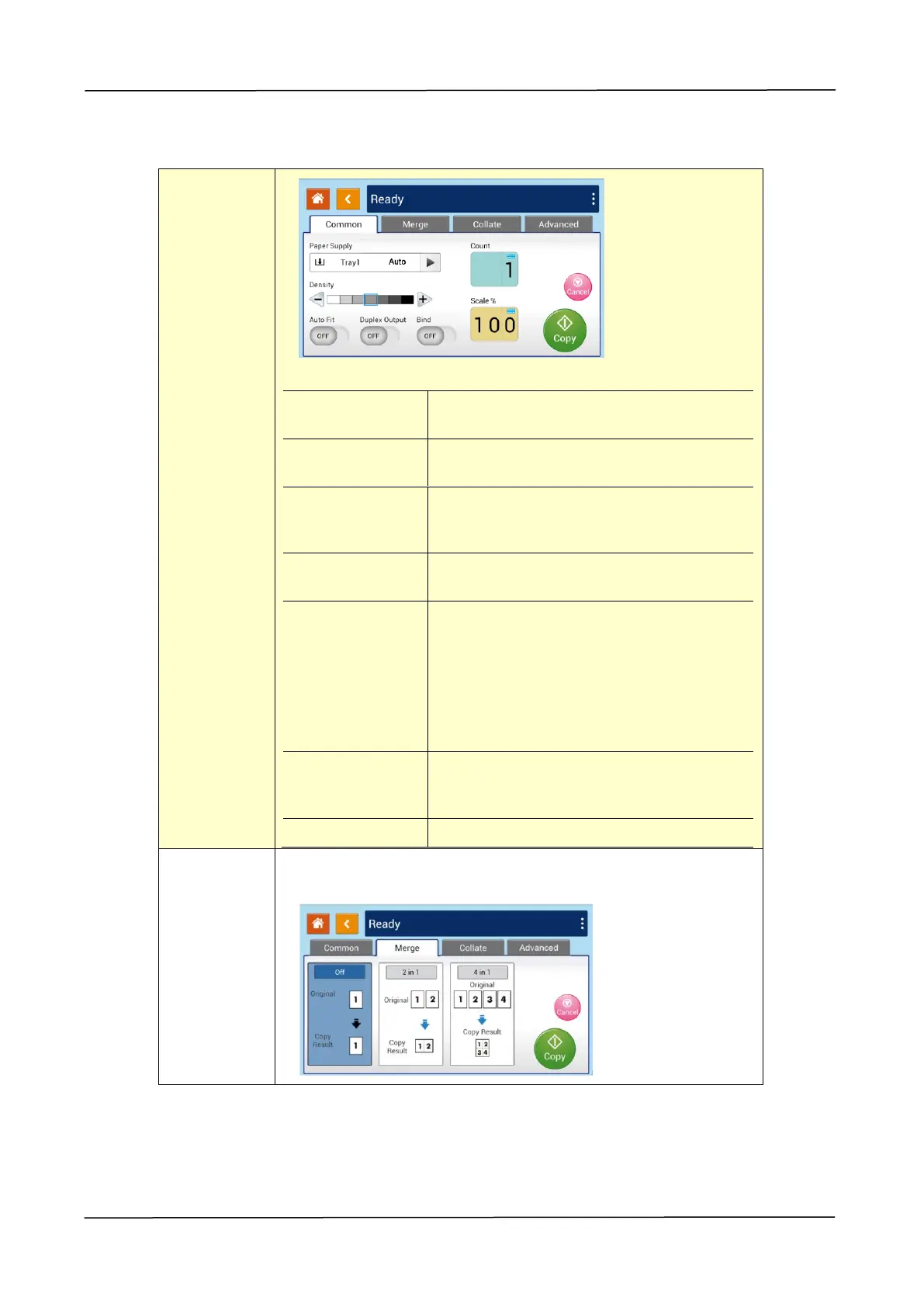
Copy Settings:
Choose your paper supply. Choice:
Auto, Tray 1, Tray 2, Manual Tray.
Lighten or darken your original.
Levels: 1~7 (default: 4)
Check this option to automatically
reduce or enlarge your original
according to output paper.
Choose if you wish duplex output to
save paper.
Choose if you wish to open the 「Bind」
feature. The bind feature lets you scan
multiple multi-page documents
continuously from the ADF or multiple
single-side paper continuously from
the glass.
Choice: On/Off
Choose if you wish to reduce or
enlarge your original. Range:
25~400% (default=100%)
Choose if you wish to merge your multi-page document.
Choice: Off/2-in-1/4-in-1


 To Next Page