3-4
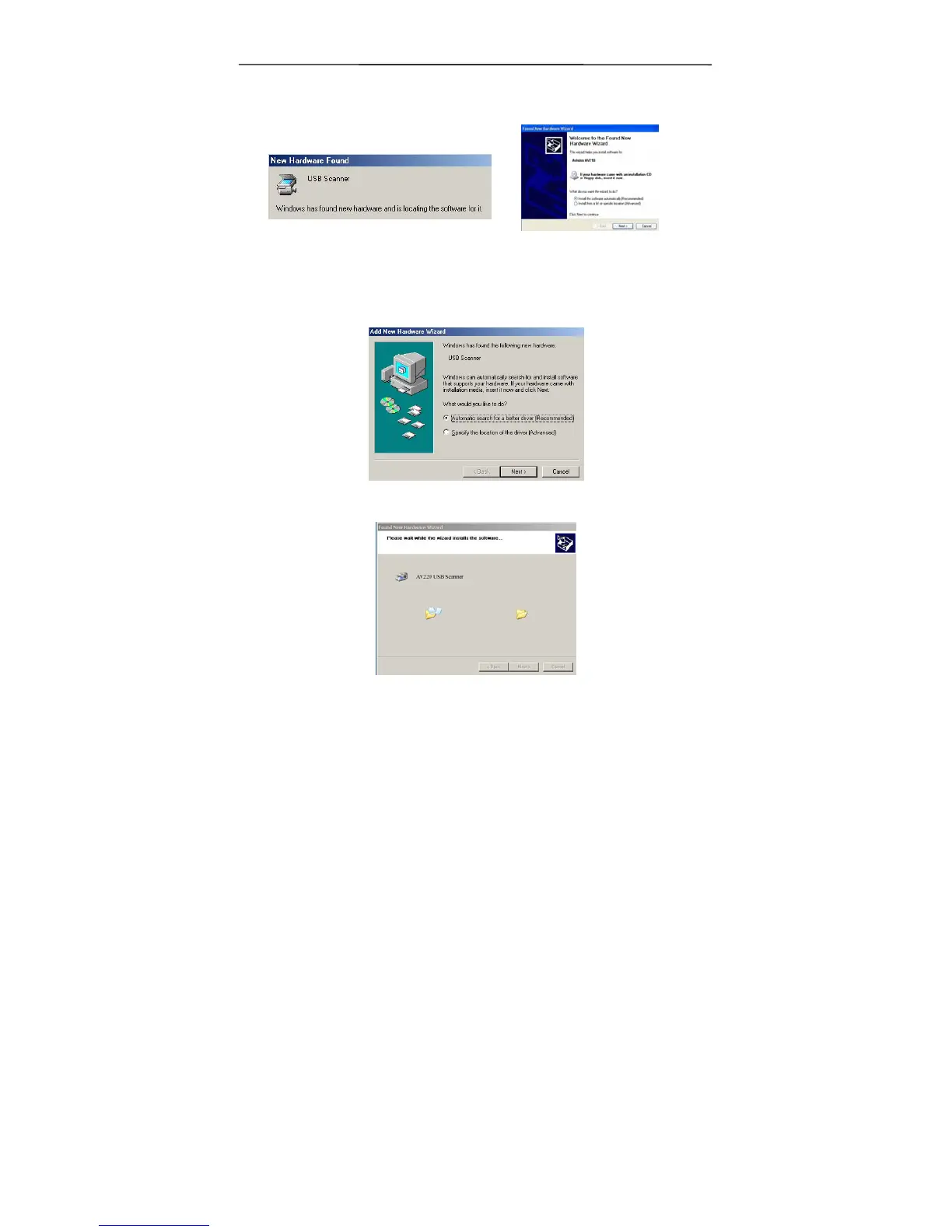
2. The computer should detect a new USB device and prompt a
“New Hardware Found” message.
(Windows 9X/Windows ME) (Windows 2000/XP)
3. In Windows 9X or Windows ME, confirm that the “Search
for a better driver.” is selected and click the “Next”
button.
In Windows XP, click the Next button to continue.
4. During the process, the Windows XP certification screen
will appear. Ignore the contents and choose “Continue
Anyway” to complete the installation.



 To Next Page