AVA6 User’s Manual
6-1
6. Using the Buttons
6.1 Customizing your button settings
After you have successfully installed the scanner driver on your
computer, please customize your button settings to use the
buttons properly.
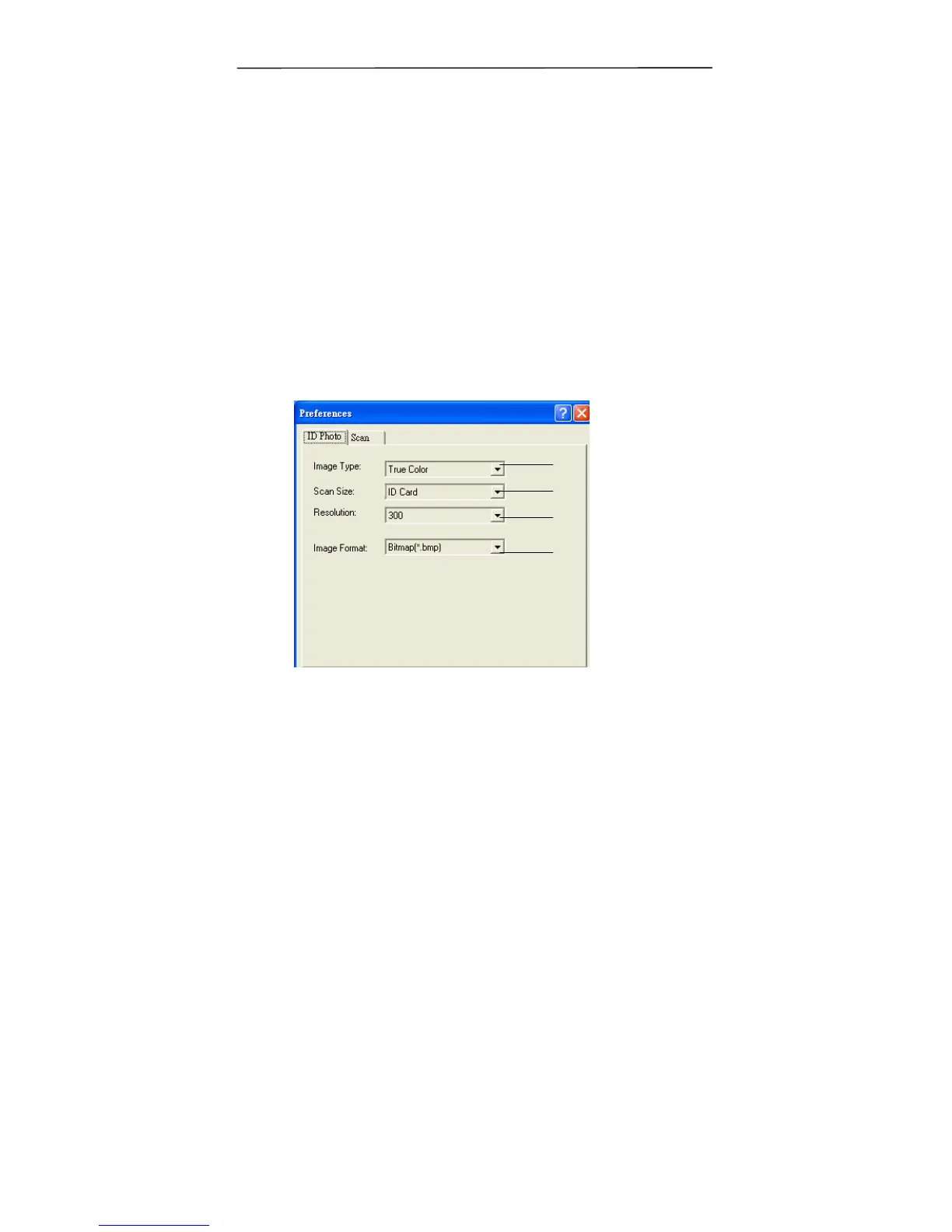
To Customize your Button Preferences,
1. Start your Button program by clicking Start> All
Programs> AVA6 PLUS >Preferences to prompt the
Preferences dialog.
<ID Photo>
1
2
3
4



 To Next Page