AVA6 User’s Manual
5-19
4.3 Using other Tools
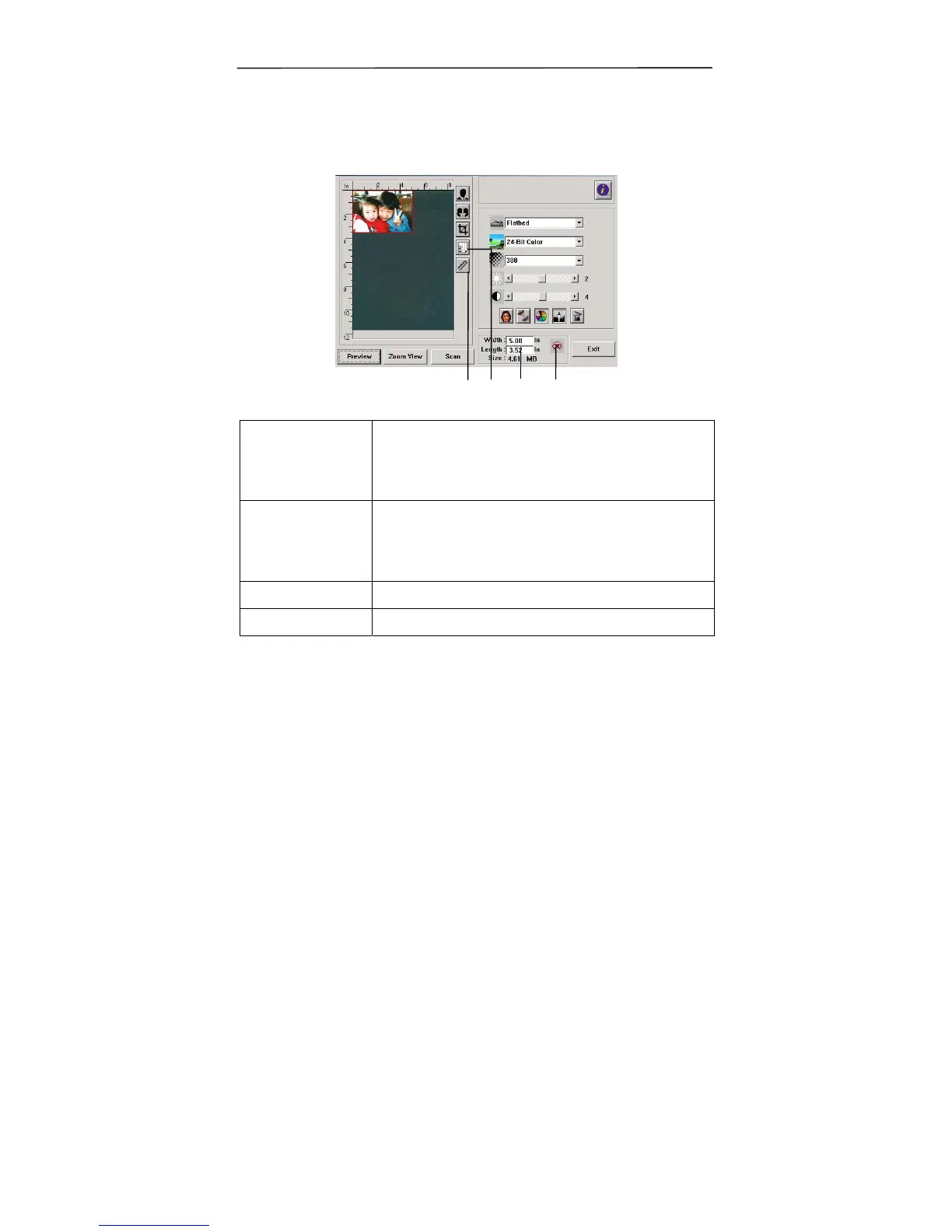
1. Measuring
Unit
A reminder of the measuring system in use.
By clicking the button, you can change the
measuring unit.
Choice: Inch, cm, Pixel.
2. Paper Size Provide frequently scan sizes.
Choice: Card 4”x2.5”, Photo 5”x3”,
Photo 6”x4”, B5, A5, A4, Letter, and
Scanner Maximum.
3. Image Size Display image size for the scanned area.
4. Lock Image Fix your output width and height.
1 2 3
4



 To Next Page