AVA6 User’s Manual
3-3
3.2 Connecting the Cables
Make sure the power of scanner is off.
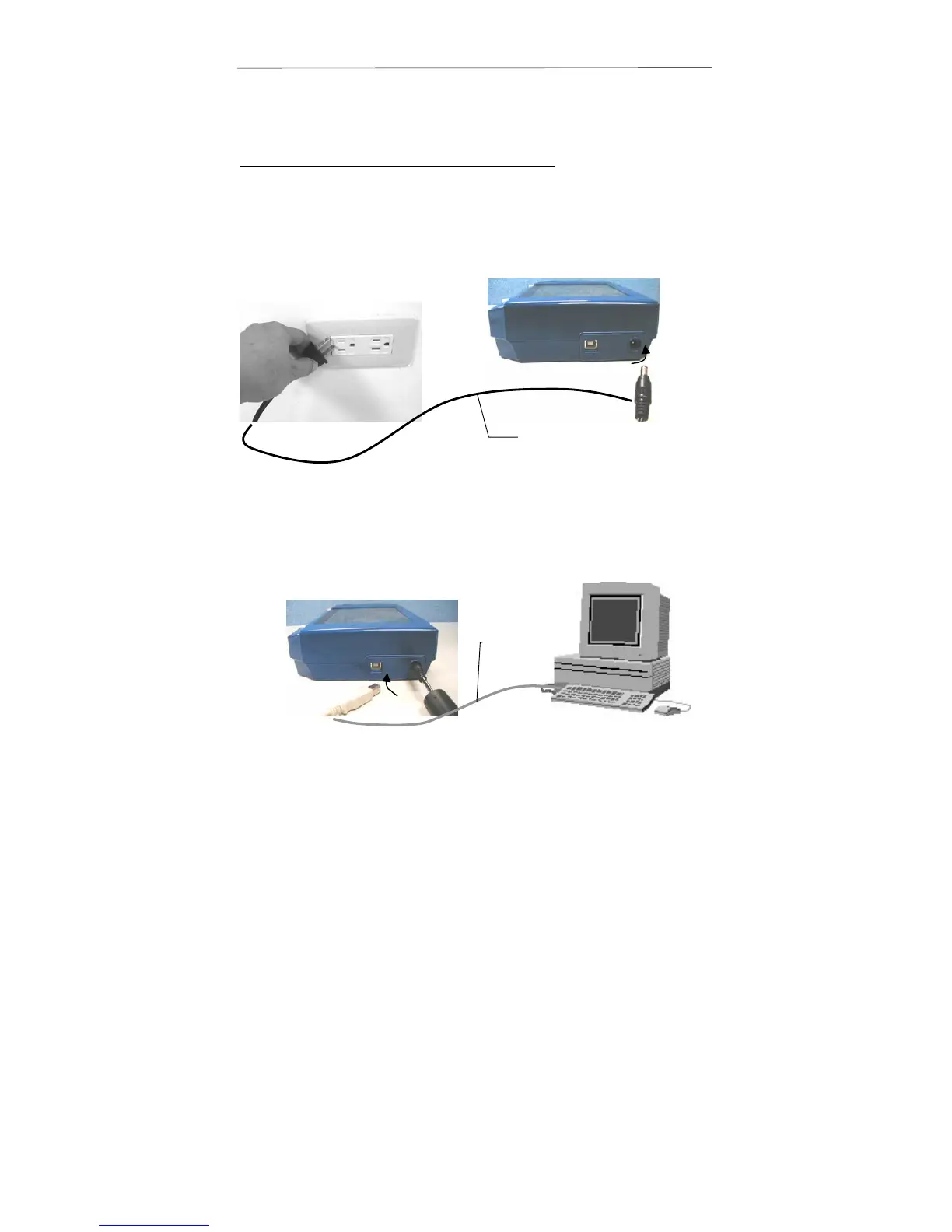
3.2.1 Connecting to Power
Plug the small end of the power adaptor into the power jack of
your scanner. Insert the other end to an appropriate power
outlet.
3.2.2 Connecting to Computer
1. Connect the square end of the USB cable to the USB port of
your scanner. Connect the rectangle end to the USB port of
your computer.
Power Cable
USB cable



 To Next Page