5-18
4.2.6 Color Drop-out
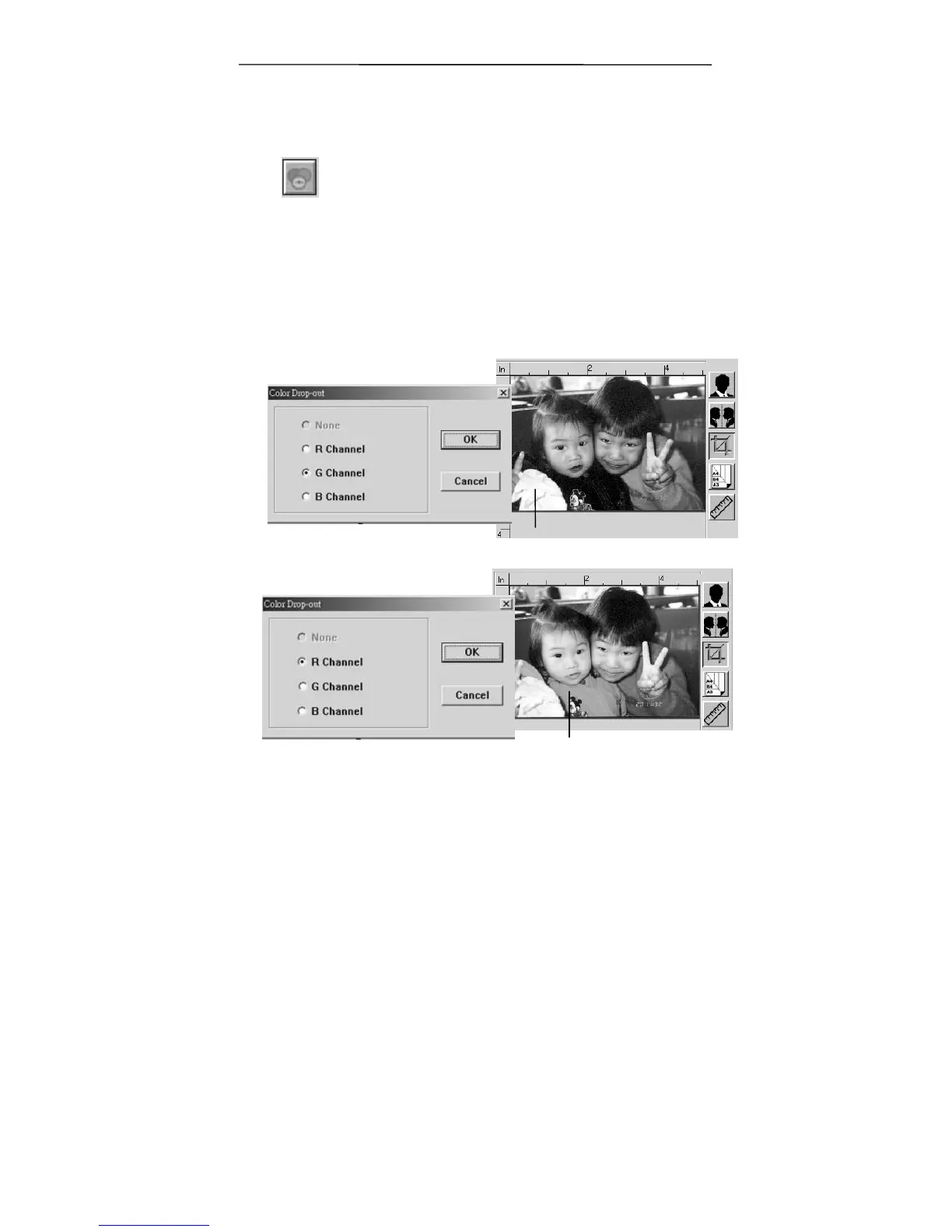
Click the button and a dialog box in below will
be displayed. This dialog allows you to remove
one of the R (Red), G (Green), or B (Blue)
color channel. This function is particularly
useful when you need to convert text using
OCR software.
Note that this function supports only black &
white and gray image. Therefore, be sure to
choose any black & white or gray image type
while applying this function.
The effect on image after removing the G channel.
The effect on image after removing the R channel.



 To Next Page