5-2
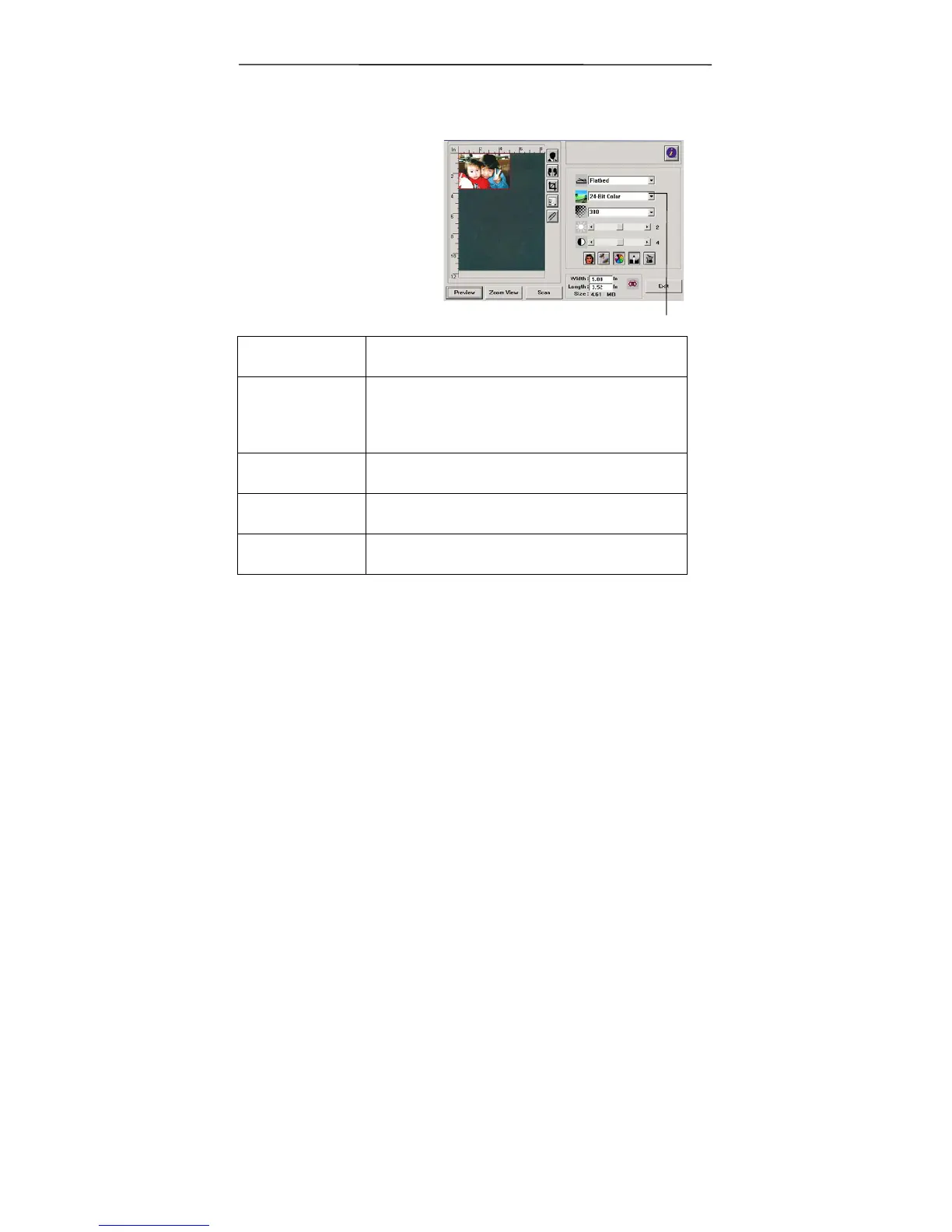
5.1.2 Selecting a Proper Image Type
1. Image Type
Please see following
table for a choice of an
ideal image type.
Black & White Choose B&W if your original contains only
B&W text, pencil or ink sketch.
Halftone Halftones are reproduction of image that
gives the illusion gray. An example of
halftone imaged would be the pictures you
see in newspapers.
8-bit Gray 8-bit Gray images contain actual shades of
gray.
8-bit Color 8-bit Color image provides 256 levels of
color hues.
24-bit Color Choose 24-bit Color if you wish to scan a
color image.
1



 To Next Page