5-16
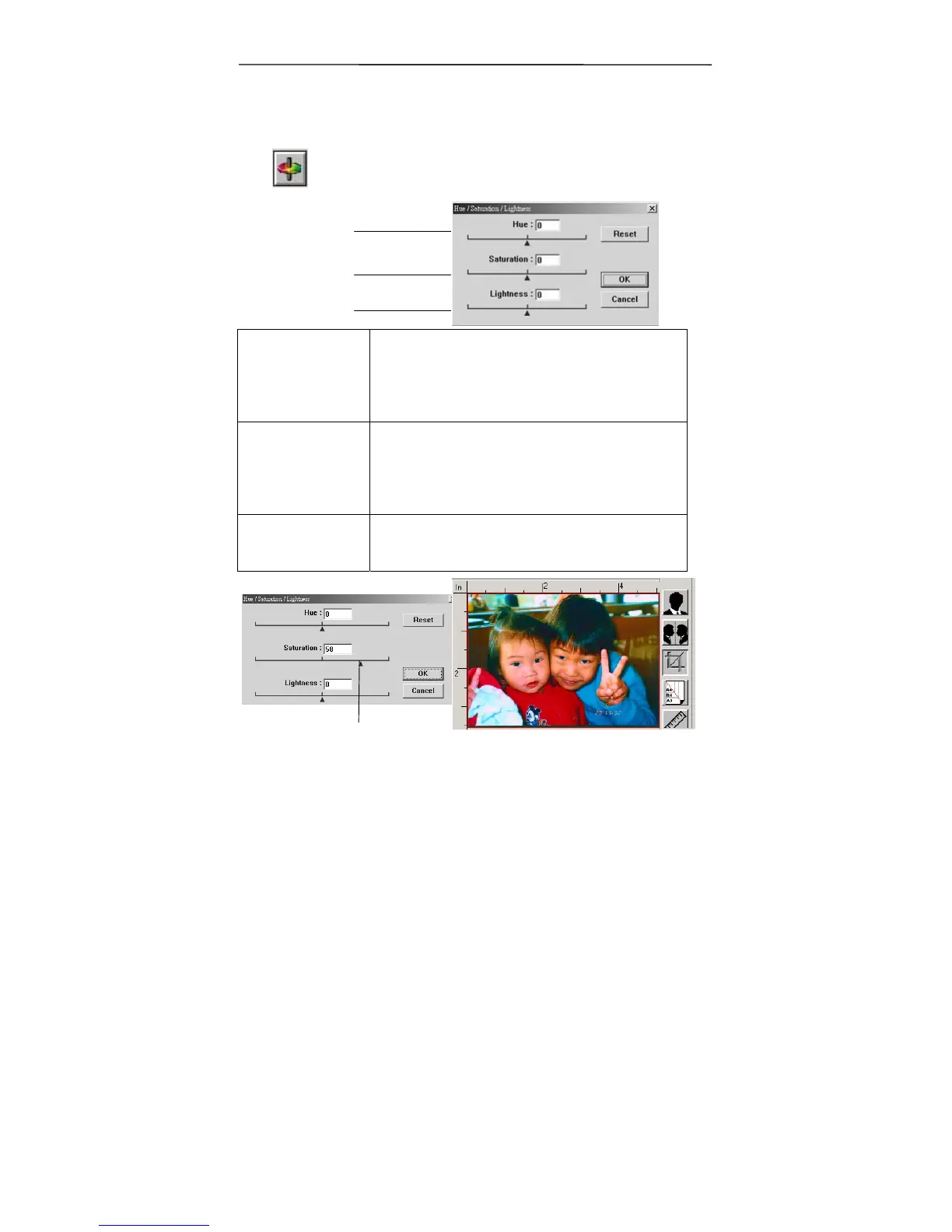
4.2.4 Changing Color Hue/Saturation/Lightness
Improve your image by changing the level of
hue/saturation/lightness.
(1). Hue Adjust the hue by moving the triangle to
the right or left. (Note the level of
intensity for the color will be changed
simultaneously when the hue adjustment
is made).
(2).
Saturation
Move the triangle to the right to increase
the saturation level or to the left to
decrease the level. The level of
saturation decides if the color is pale or
rich.
(3). Lightness Increase the lightness by moving the
triangle to the right or to the left to
decrease the lightness.
(1)
(2)
(3)
Move the Saturation pointer to the right, the color
turns rich.



 To Next Page