EasyManua.ls Logo

Avision DT-1106B - User Manual

Avision DT-1106B
109 pages
Print Icon
To Next Page IconTo Next Page
Loading...
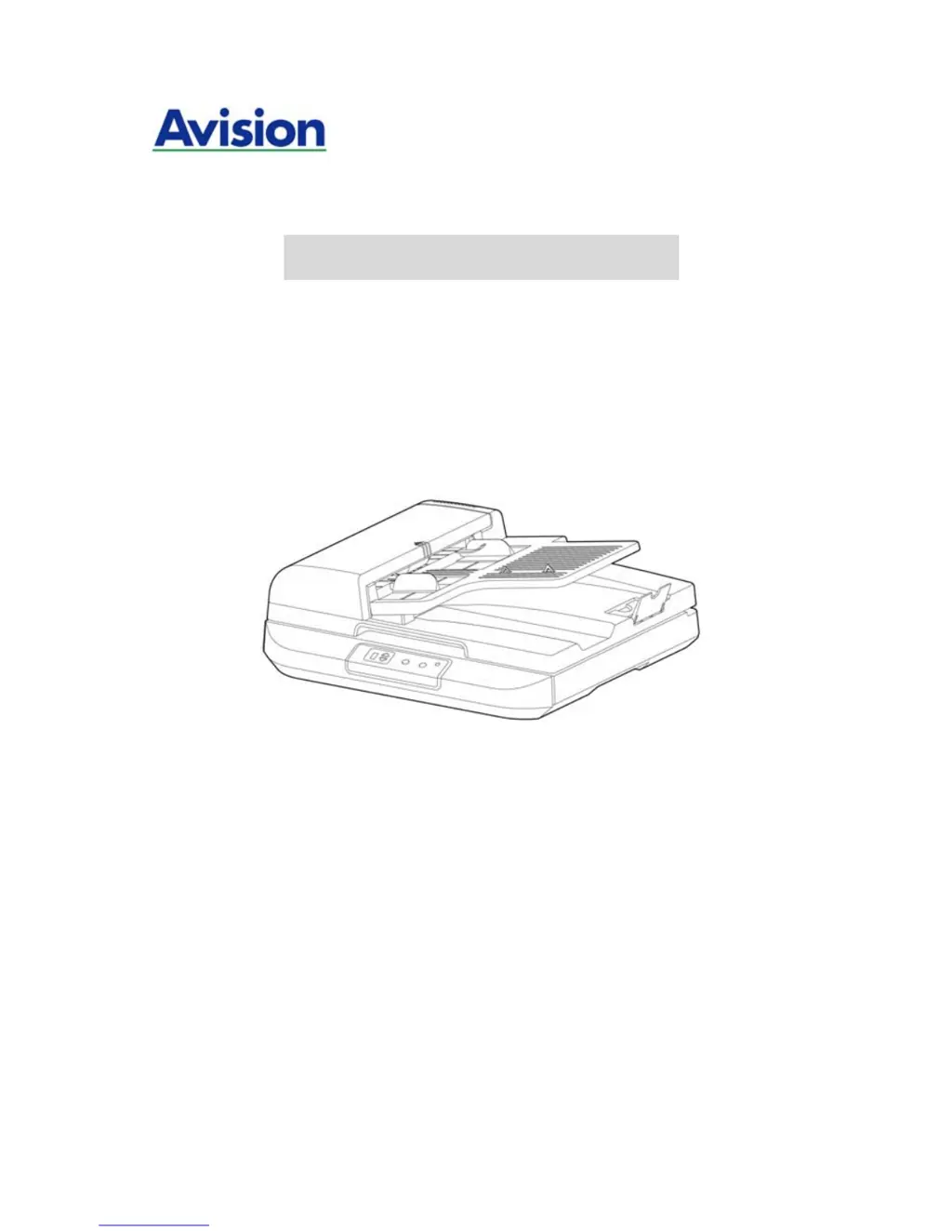
Document Scanner
User’s Manual
Regulatory model: DT-1106B / DT-1110B
manual-en-250-0821-E-5200-v100
Avision Inc.

Table of Contents

Questions and Answers

Summary

Scanner Installation

Install Driver and Connect Cables

Steps for installing the scanner driver, connecting power, turning on, and connecting via USB.

Completing Your First Scan

Verify Scanner Installation

Procedure to test the scanner installation using Avision Capture Tool.

Using the Scanner Properties Dialog

Image Tab Settings

Configuring image type, side, and basic scan parameters.

Compression Tab Settings

Compressing scanned images to reduce file size using quality levels.

Paper Tab Settings

Defining paper size, cropping, and other paper handling options.

Multi-Feed Detection Tab

Detecting and handling overlapped documents during ADF scanning.

Options Tab Settings

Additional image processing like rotation, blank page removal, edge fill.

ISIS Interface Operation

Maintenance

Troubleshooting Scanner Issues

Clear Paper Jams

Procedures for safely removing paper jams from the ADF.

Avision DT-1106B Specifications

General IconGeneral
BrandAvision
ModelDT-1106B
CategoryScanner
LanguageEnglish

Related product manuals