User’s Manual
4-56
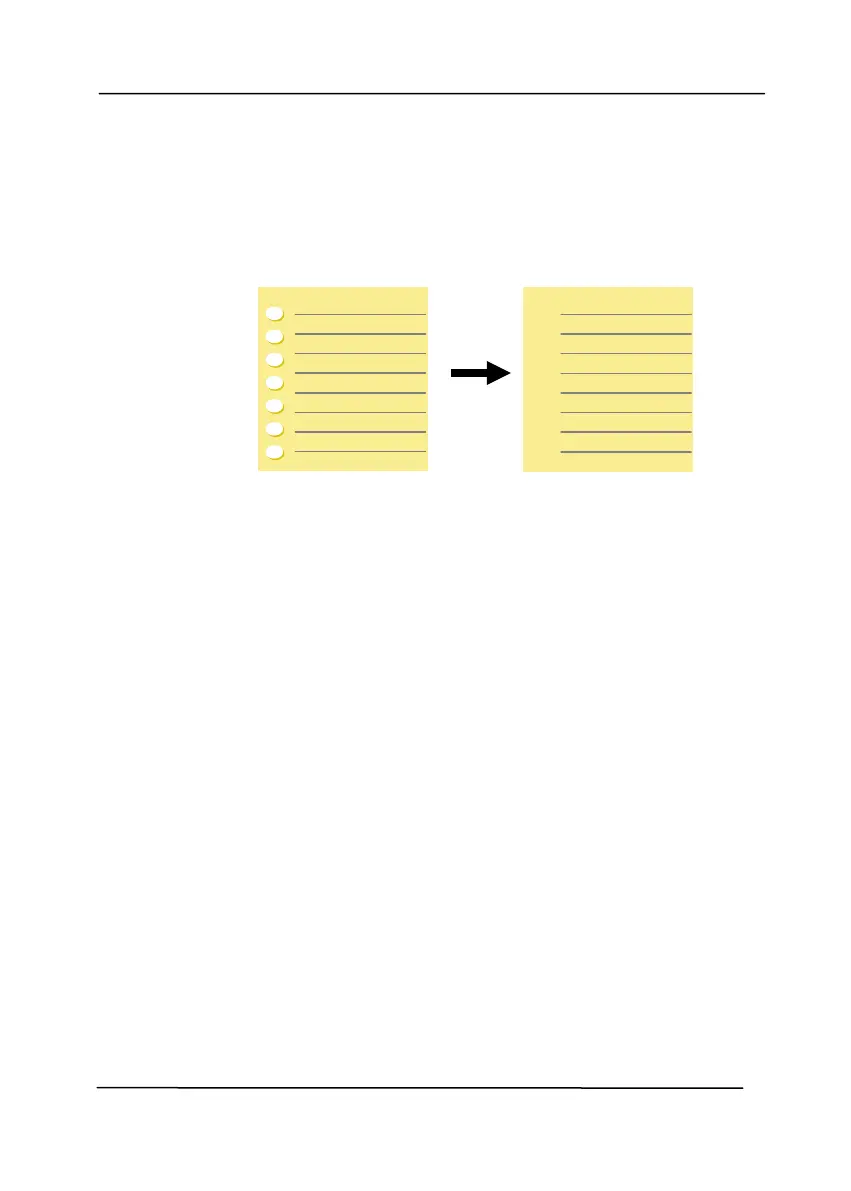
Hole
Removal
You can remove punch holes from the output
scanned image when scanning punched document.
Note the availability of this feature varies
depending on your scanner model.
Punch holes can not be removed when:
• Resolution is set lower than 150dpi
• The hole is near the edge of the document
• The holes are not aligned along the edge of the
document
• Punch Hole Removal is available only when
“Auto Crop” is enabled. If either “Fixed to
Transport”, “EOP (End of Page) Detection”,
“Automatic Multiple”, “Relative to Documents” is
selected from the Cropping option on the Paper
tab, the Punch Hole Removal option will be
disabled.
Output image



 To Next Page