User’s Manual
4-64
Image
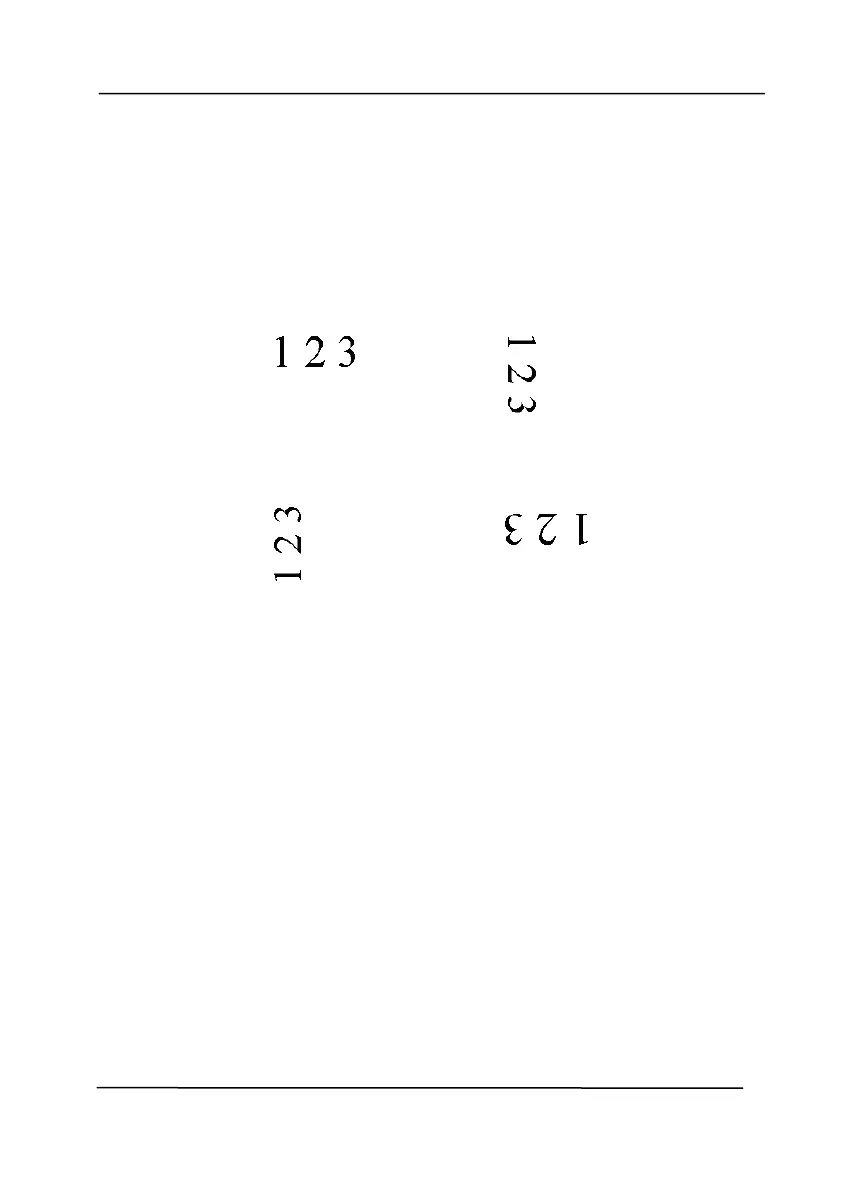
Choose the rotation angle from the drop down
list if you wish to rotate your scanned image.
Choice: None, 90°CW(clockwise),
90°CCW(counter clockwise), 180°, Auto
based on contents. Auto rotate every
even page.
Original
Rotate 90°CW
Rotate 90°CCW
Rotate 180°



 To Next Page