User’s Manual
4.3 The Image Tab
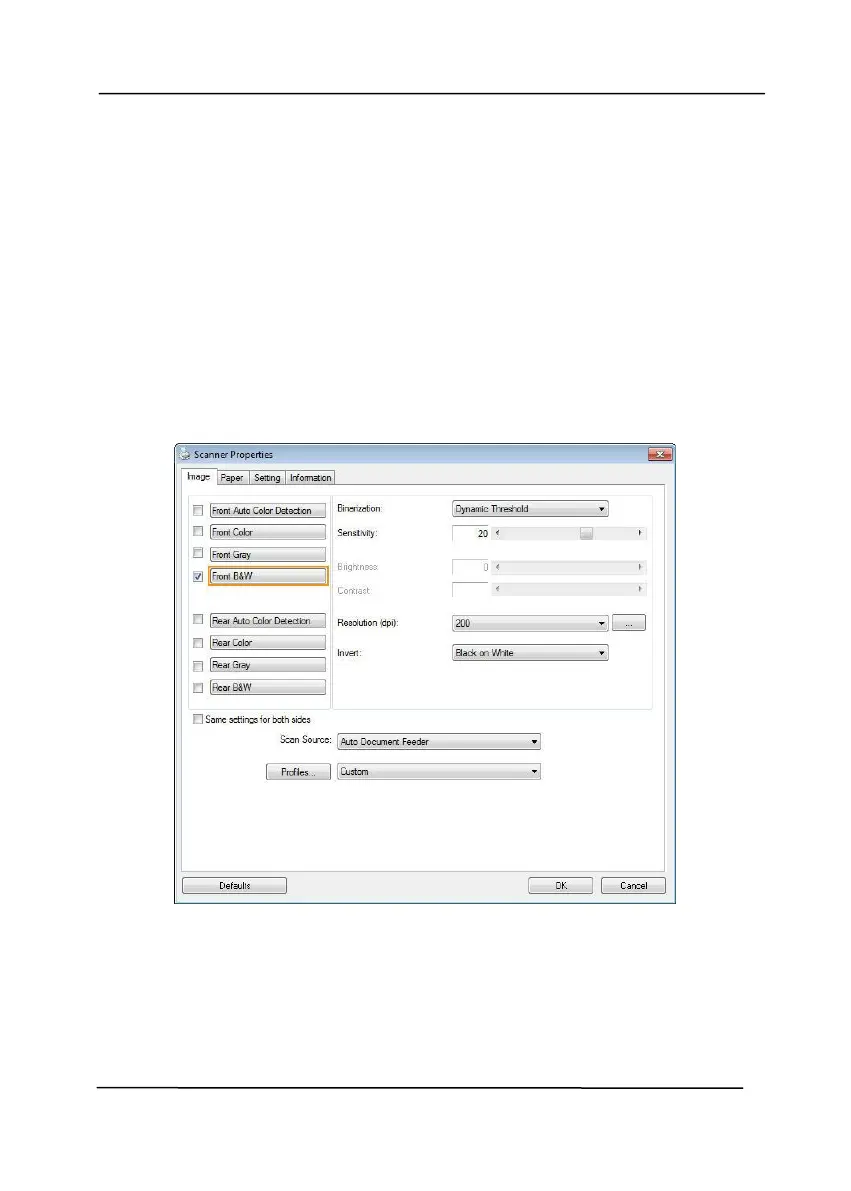
The Image tab allows you to choose the front side and (or) the
rear side of your document, the type of image, and to set several
basic scan settings. Note that except for the resolution, you can
set individual scan settings for the front side and the rear side.
For example, all settings in the Image tab, Compression tab,
Color Dropout tab can be set individually for the front and the
rear side. However, the settings in the Paper tab, the Option tab,
and the Setting tab have to be set the same for the front and
rear side.
The Image tab dialog box



 To Next Page