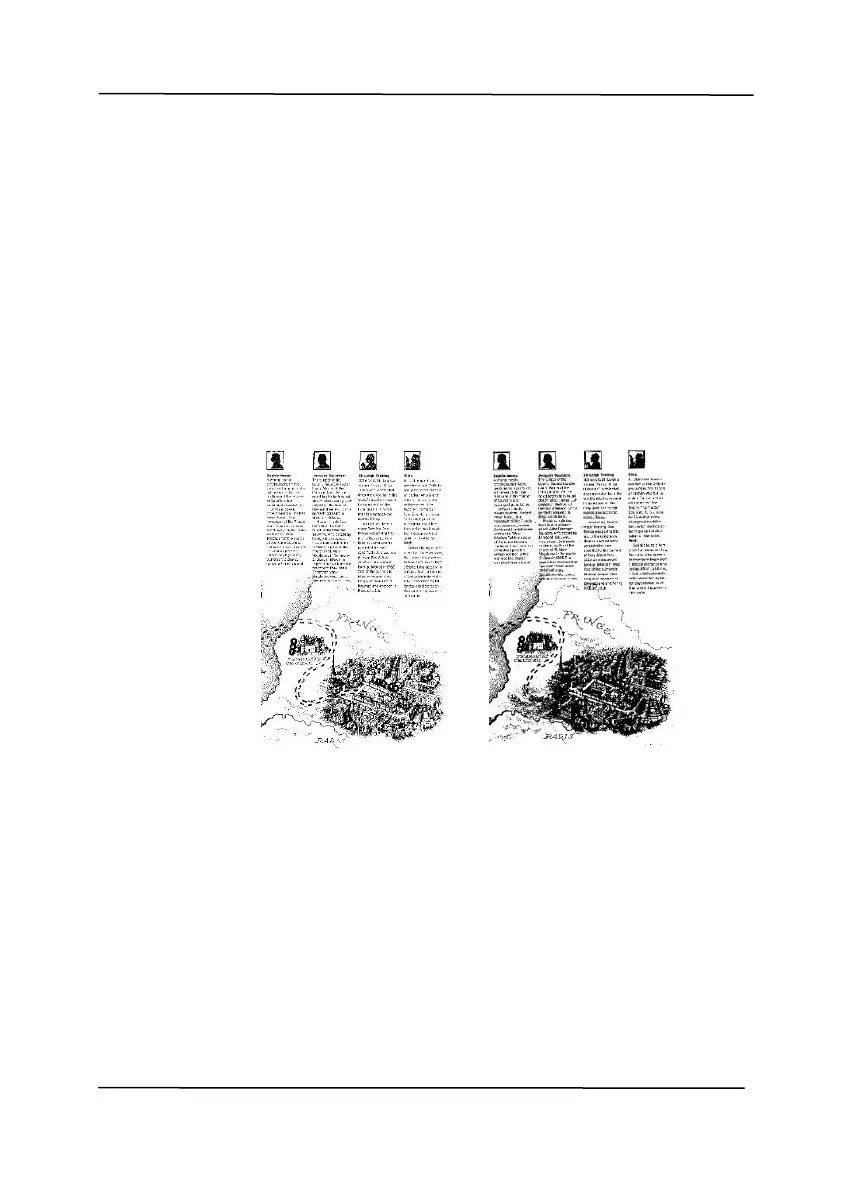
Used to convert a grayscale image to a
bi-tonal image. The value ranges from 0 to
255. A low threshold value produces a lighter
image, and can be used to subdue
backgrounds and subtle, unneeded
information. A high threshold value produces
a darker image, and can be used to help pick
up faint images.
Adjust the threshold setting by dragging the
Threshold sliding bar to the left or right to
achieve the desired threshold setting.



 To Next Page