User’s Manual
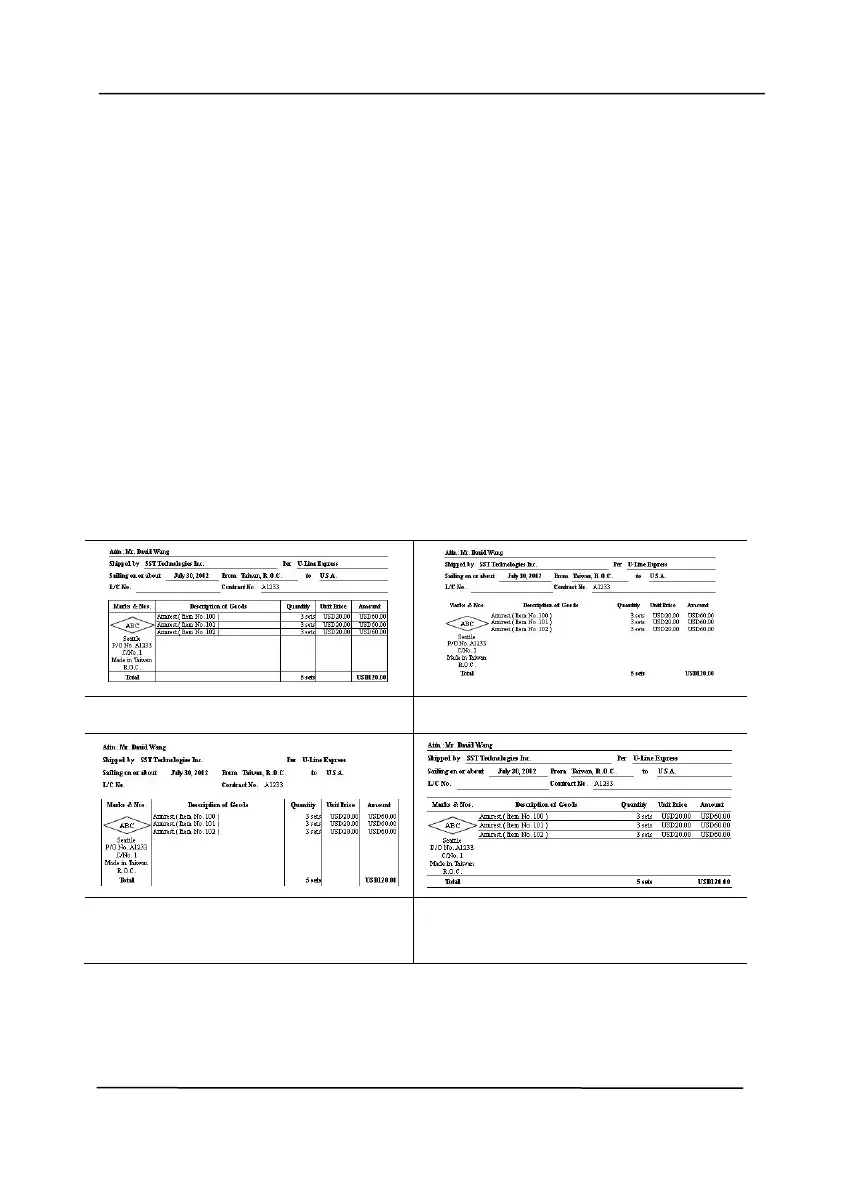
Line Removal: When Black and White image mode is selected
on the [Image] tab, the [Line Removal] option will be enabled.
Line Removal erases lines on the image and then reconstructs
characters so the OCR (Optical Character Recognition) accuracy
can be improved.
Choices: None, Form, Horizontal, Vertical
None – the default mode which does not remove any line.
Form – remove any form in the document.
Horizontal – select [Horizontal] and then enter the length of
horizontal line to remove only the horizontal line exceeding your
specified length.
Vertical – select [Vertical] and then enter the length of vertical
line to remove only the vertical line exceeding your specified
length.
Remove Horizontal Line
(over 30 mm)
Remove Vertical Line
(over 70 mm)



 To Next Page