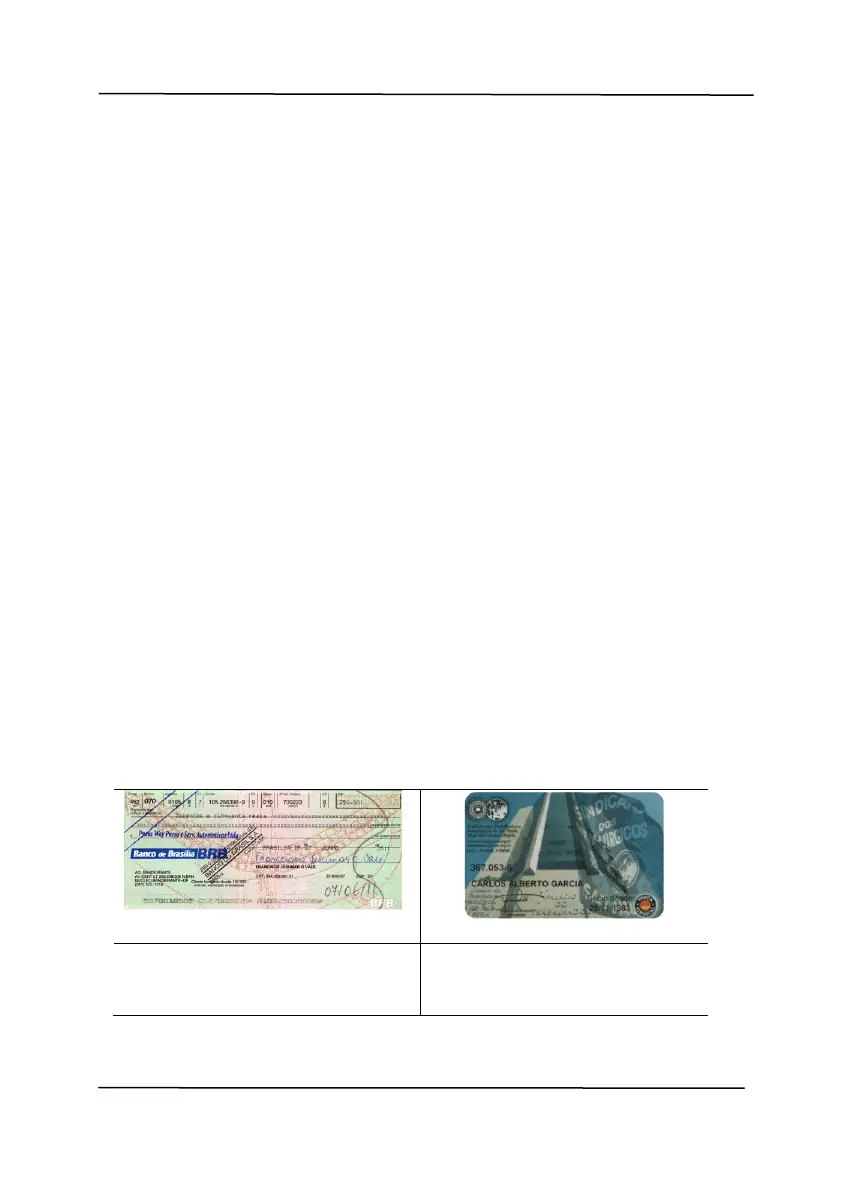
Auto based on contents: Automatically
rotate images based on the contents of
document. When「Auto based on
contents」 is selected, its modes will be
enabled to let you select more options.
Mode: Quick, Full Text, Complexity
Quick – the default mode to let you rotate
images at the fastest speed.
Full Text – the enhanced mode for
documents with mixed text orientation.
Complexity – the enhanced mode yet at the
slowest speed for document with complex
image or text orientation.
Auto rotate every even page:
Automatically rotate 180° on every even
page. This is especially useful when you scan
the inside pages from a book. As a result, if
you choose “Flatbed (book)” from the “Scan
Source” option, “auto rotate every even page”
will be selected as default.
Note: This option varies based on type of
scanner.



 To Next Page