8. Maintenance
8.1 Clean the Scanner Glass, Separation Pad and Rollers
If the scanned i
mages contain streaks or scanned documents
become dirty, the scanning glass, separation pad and roller
inside the scanner are likely to be dirty. Clean them periodically.
Use only the recommended or supplied tool to clean the scanner
and feeder dock.
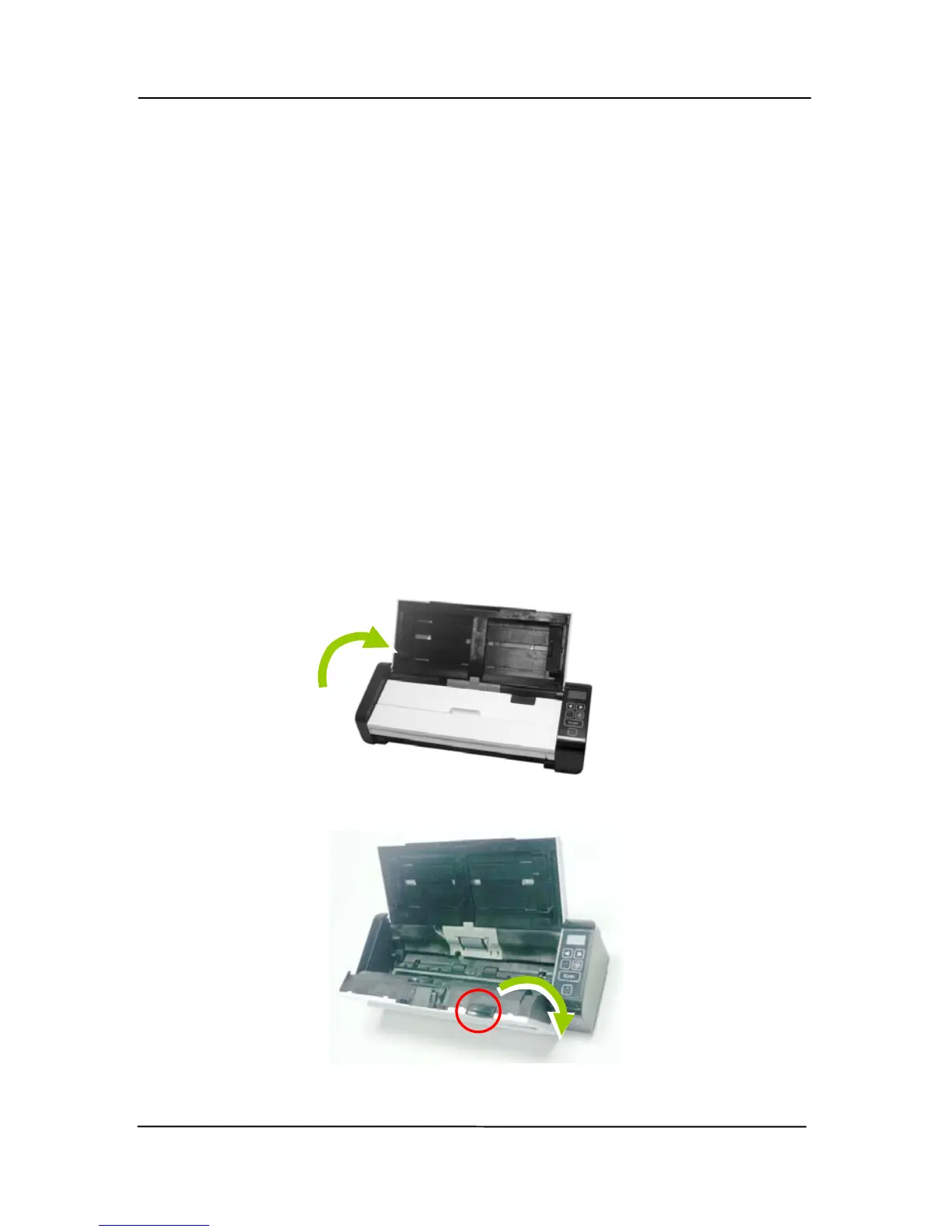
Cleaning steps:
1. Open the feed tray.
2. Press the ADF Release button to open the feeder cover.



 To Next Page