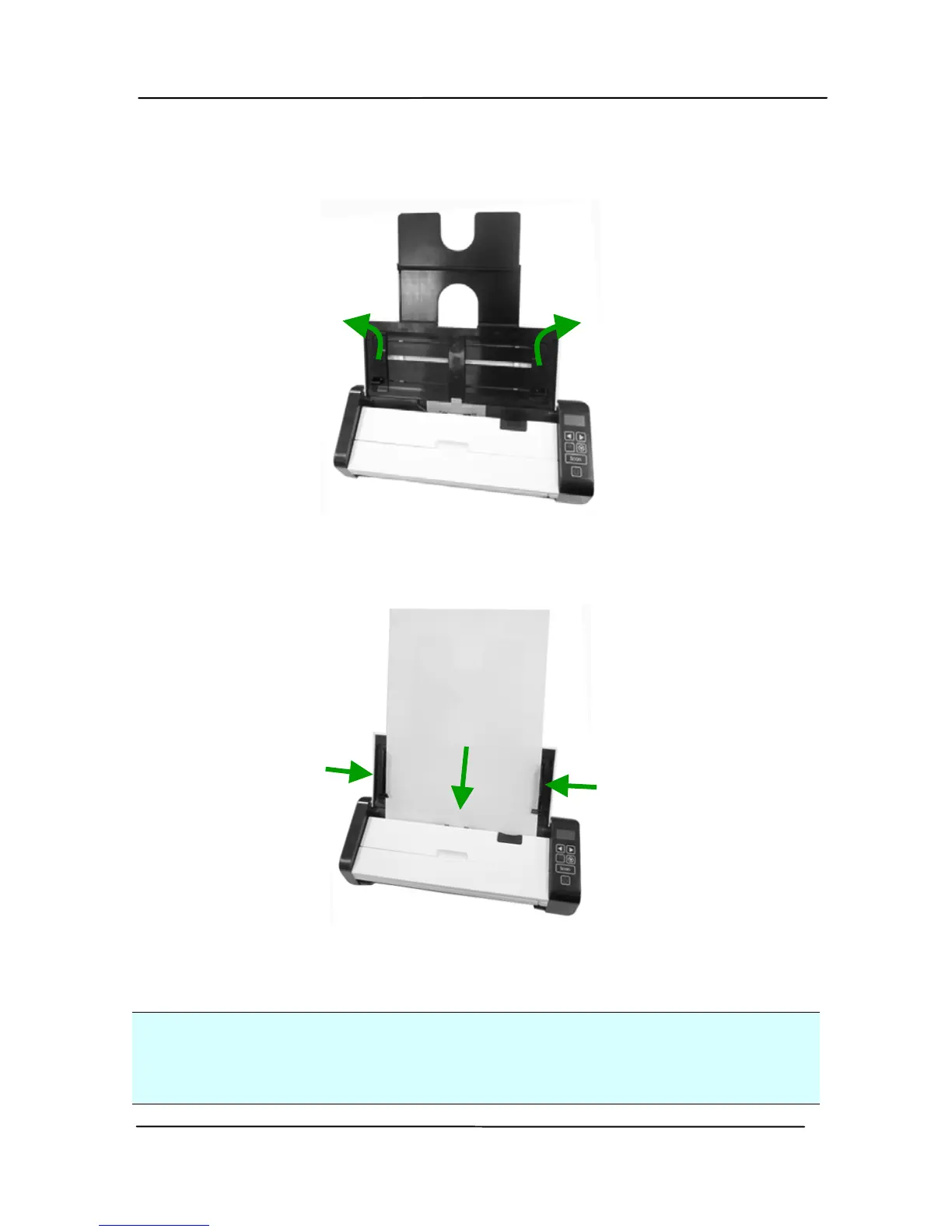
2. Raise the paper guide to hold your multi-page document.
3. Load the stack of document
Facing Down with the top
of the pages pointing into the feeder.
4. Verify that the paper guides are aligned with the edges of
the stack.
Important:
To load paper through the automatic document feeder, be sure
to close the cover of the front input tray.



 To Next Page