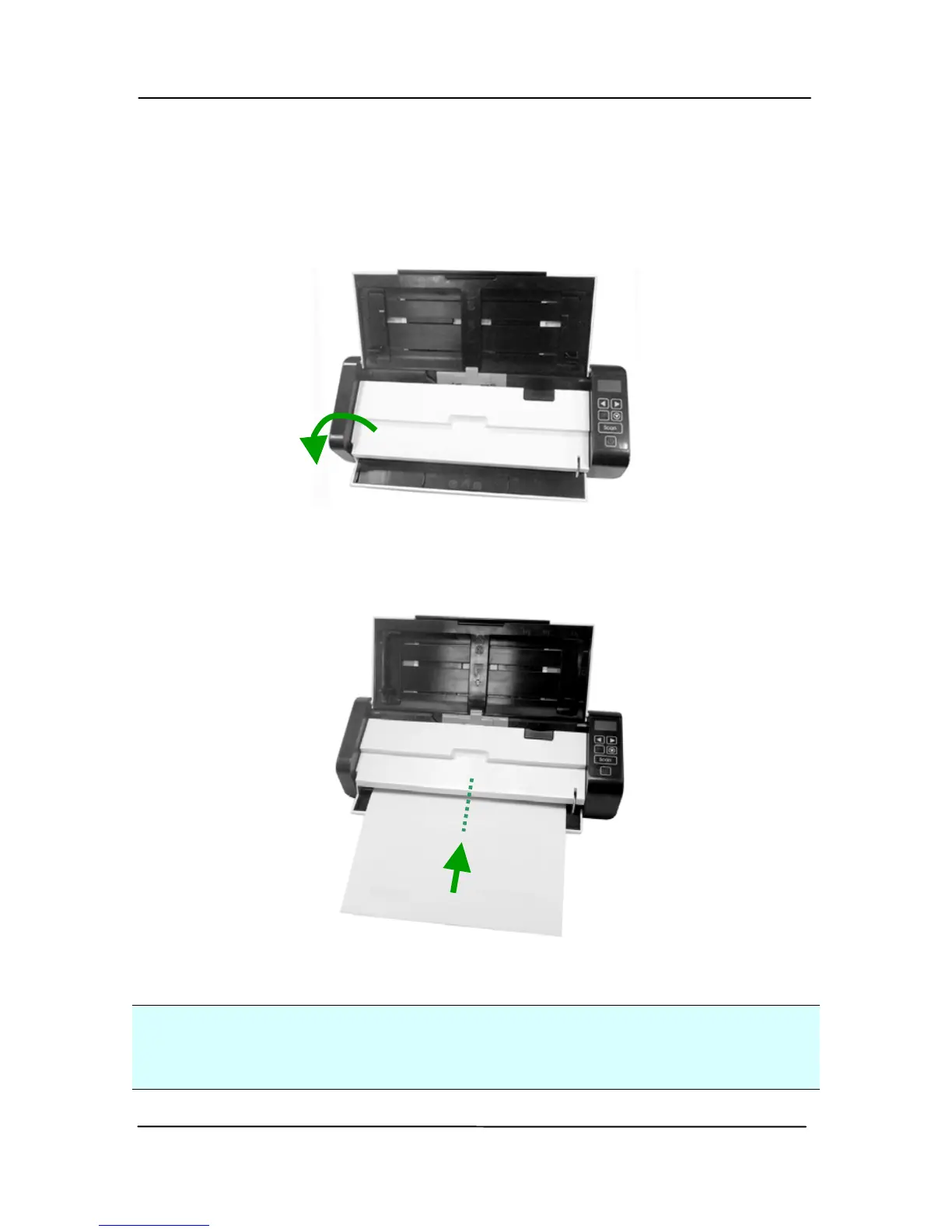
3.1.4 Loading A Single-Page Document into the Front
Input Tray
1. Open the cover of the front i
nput tray.
2. Load your singe-page document to the front input tray
with the top of the page pointing to the front input tray.
Load one-sided document with the text
facing down.
3. Center your document with the paper size marks.
Important:
Only one sheet of paper is allowed to load in the front paper
tray.



 To Next Page