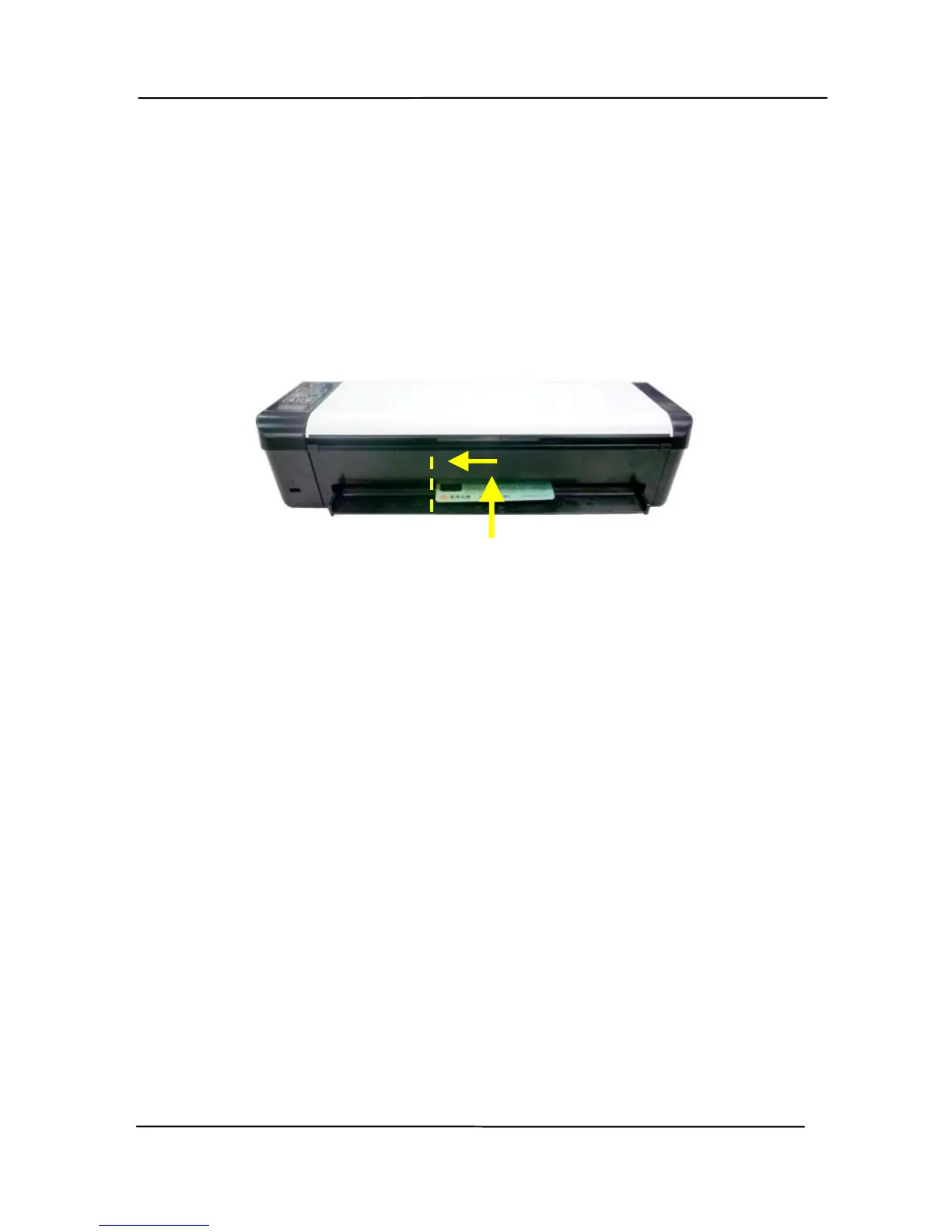
3.1.5 Loading Your Card in the Rear Feed Tray
Insert your plastic card FACE DOWN, TOP EDGE FIRST,
(Embossed Side Face Up) into the scanner’s feeding slot for
cards at the back of the scanner, al
ign it to the left edge of the
slot, and gently push the card into the feeding slot as indicated.



 To Next Page