5
3 Software Operation
3.1 Software Operation - 9120, 9130, 9140
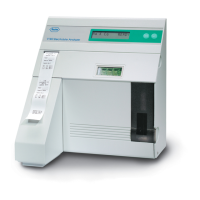
Software operation of the 9120, 9130, 9140 analyzers can be accessed by YES/
NO selection on the analyzer front panel. The following flow chart diagrams are
provided to identify operating sequences of the 9120, 9130, 9140 Analyzers:
1. Overall Program Operating Flow
2. Main Menu
3. Measurement Sequence
4. Print Functions Menu
5. QC/Standard/Urine Sample Menu
6. Daily Maintenance Menu
7. Operator Functions Menu
8. Program Instrument Menu
9. Service Functions Menu
10. Calibration Sequence
3.2 Software Operation - 9180
1. Overall Program Operating Flow
2. Main Menu
3. Measurement Sequence
4. Print Functions Menu
5. QC/Std/Dialysate/Urine Sample Menu
6. Daily Maintenance Menu
7. Operator Functions Menu
8. Program Instrument Menu
9. Service Functions Menu
10. Calibration Sequence
11. Power-up Sequence


 To Next Page