5.3. PIP
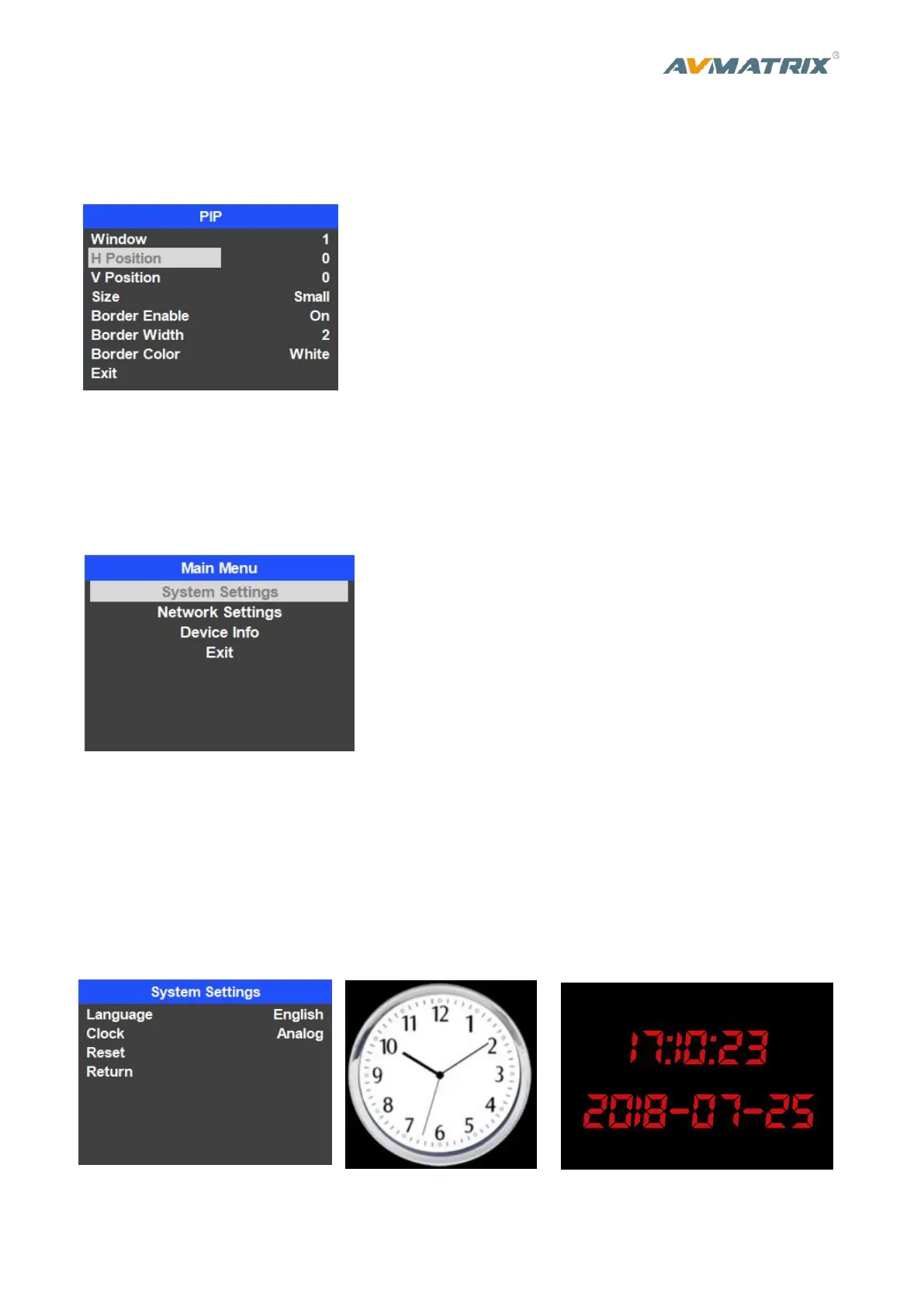
Press PIP button the menu will enter into an interface as below image. The window size, position and
border of PIP can be set from menu.
6. MAIN MENU SETTING
When STATUS menu is not selected, press the MENU button to enter into main menu directly. In case
one of the item is selected(see below), rotate the MENU button rotate anticlockwise to exit the choice,
then press the MENU button to enter into main menu.
6.1. System Settings
6.1.1. Language
Entering system settings from the menu to switch the system language between English and Chinese.
6.1.2. Clock
Entering system settings from the menu to switch the real-time clock shown in Analog or Digital.



 To Next Page