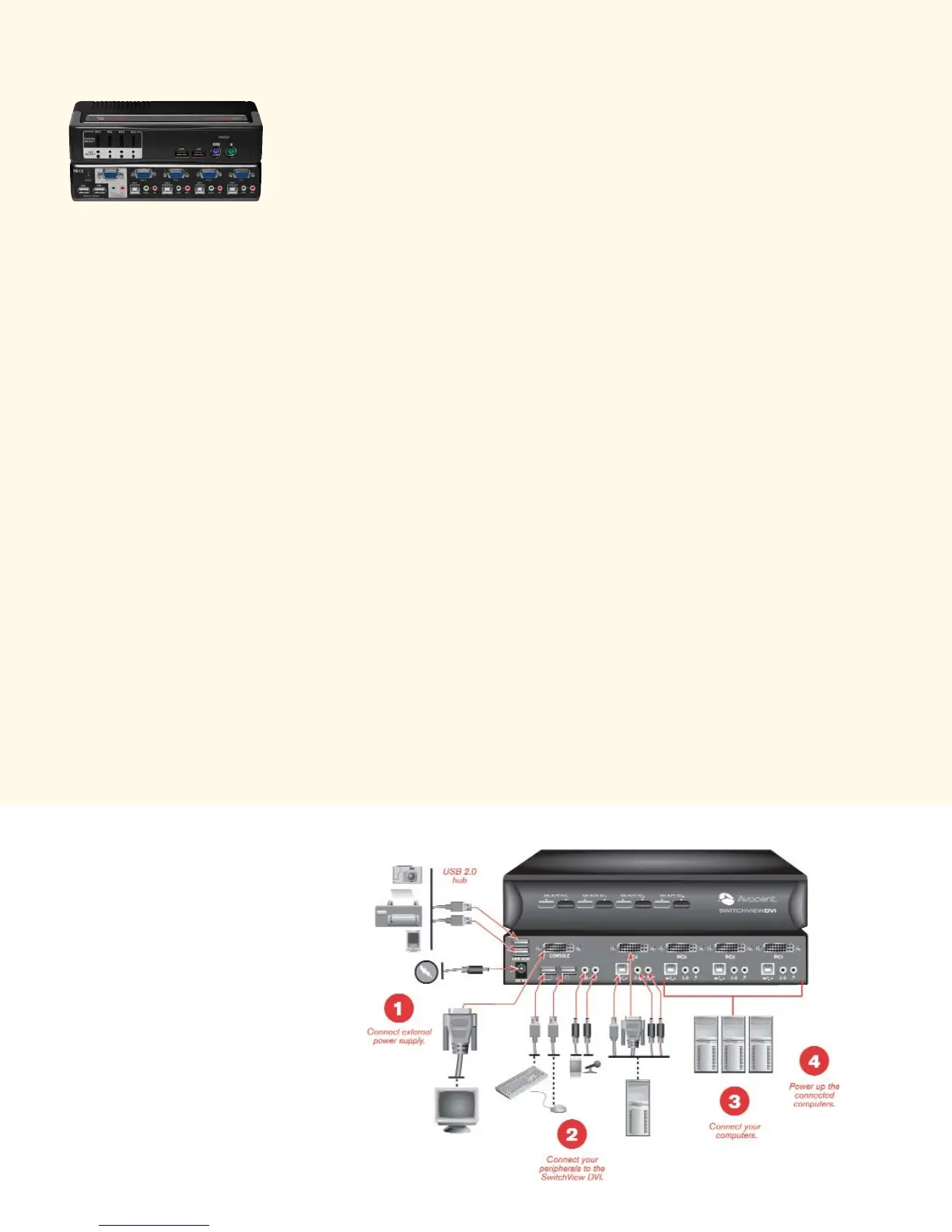
SwitchView KVM switches include a
space-saving design to fit your multi-
tasking desktop. Color-coded cables
and connectors make your installation
fast and easy!
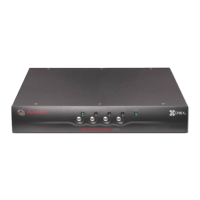
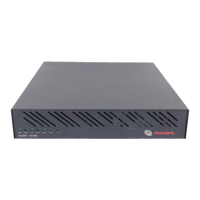
The all-in-one SwitchView MM (Multimedia) desktop KVM switches let
you switch between USB or PS/2 systems, share your USB devices and
control multimedia applications. With one SwitchView Multimedia switch,
you can control multiple PCs and share access to your USB devices: digital
camera, CD-ROM, PDA, scanner or printer. The SwitchView Multimedia
KVM switches are available in 2 and 4 port models, with USB 1.1 and USB
2.0 support.
Note: The SwitchView Multimedia 2 port model with USB 1.1 support does
not include the hub feature.
SwitchView MM1 Highlights
• Provides high 2048 x 1536 video resolution
• Push-button or hotkey switching for channel selections
• Configurable scanning among computers to monitor each computer’s
operating status
• Audio support for speakers and microphones
• USB or PS/2 system support
• Available in 2 and 4-port models with USB 1.1 support
• Backed by Avocent 2 year warranty and technical support
SwitchView MM2 Highlights
• Includes a USB 2.0 built-in hub
• Provides high 2048 x 1536 video resolution
• Push-button or configurable hotkey switching for channel selections
• Configurable scanning among computers to monitor each computer’s
operating status
• Audio support for speakers and microphones
• USB or PS/2 system support
• Independent switching of KVM and USB hub ports
• USB multimedia keyboard support
• Available in 2 and 4-port models
• Backed by Avocent 2 year warranty and technical support
SwitchView Multimedia switch






 To Next Page