EasyManua.ls Logo

AVOCOR AVF-8650 - User Manual

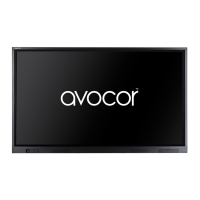
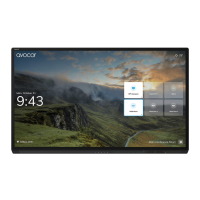
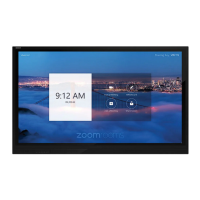
AVOCOR AVF-8650
76 pages
Print Icon
To Next Page IconTo Next Page
Loading...
Revision Date: 1/17/2020
AVF-8650
Large Format Interactive Display
Model AVF-8650 Installation and Operation Manual

Table of Contents

Other manuals for AVOCOR AVF-8650

Questions and Answers

  • A
    Amanda HarrisAug 8, 2025
    What to do if AVOCOR Monitor remote control does not work?
    • K
      kariblackAug 9, 2025
      If the remote control for your AVOCOR Monitor isn't working, the first step is to replace the batteries. The remote control batteries may have run out.
  • R
    Rebecca FosterAug 23, 2025
    Why is my AVOCOR Monitor showing menus but no picture?
    • M
      Michael TuckerAug 23, 2025
      If your AVOCOR Monitor displays menus but no picture, several issues could be the cause: * The incorrect source might be selected, so ensure the correct source is selected. * The source component might not be turned on, so turn on the source component. * The source component might be connected incorrectly or not at all, so check the connections from the source component to the display. * The source might be of poor quality or improperly connected, so ensure that the source is properly connected and of adequate quality for detection. * The horizontal or vertical scan frequency of the input signal may be out of range for the display, so correct it at the source.

AVOCOR AVF-8650 Specifications

General IconGeneral
Screen Size86 inches
Resolution3840 x 2160 (4K UHD)
Panel TypeIPS
Aspect Ratio16:9
VESA Mount600 x 400 mm
Response Time8 ms
Brightness350 cd/m²
Contrast Ratio1200:1
Viewing Angle178°
ConnectivityHDMI, DisplayPort, USB
Touch TechnologyInGlass
Touch Points20 points
PortsHDMI, USB, DisplayPort
Operating SystemAndroid

Related product manuals