EasyManua.ls Logo

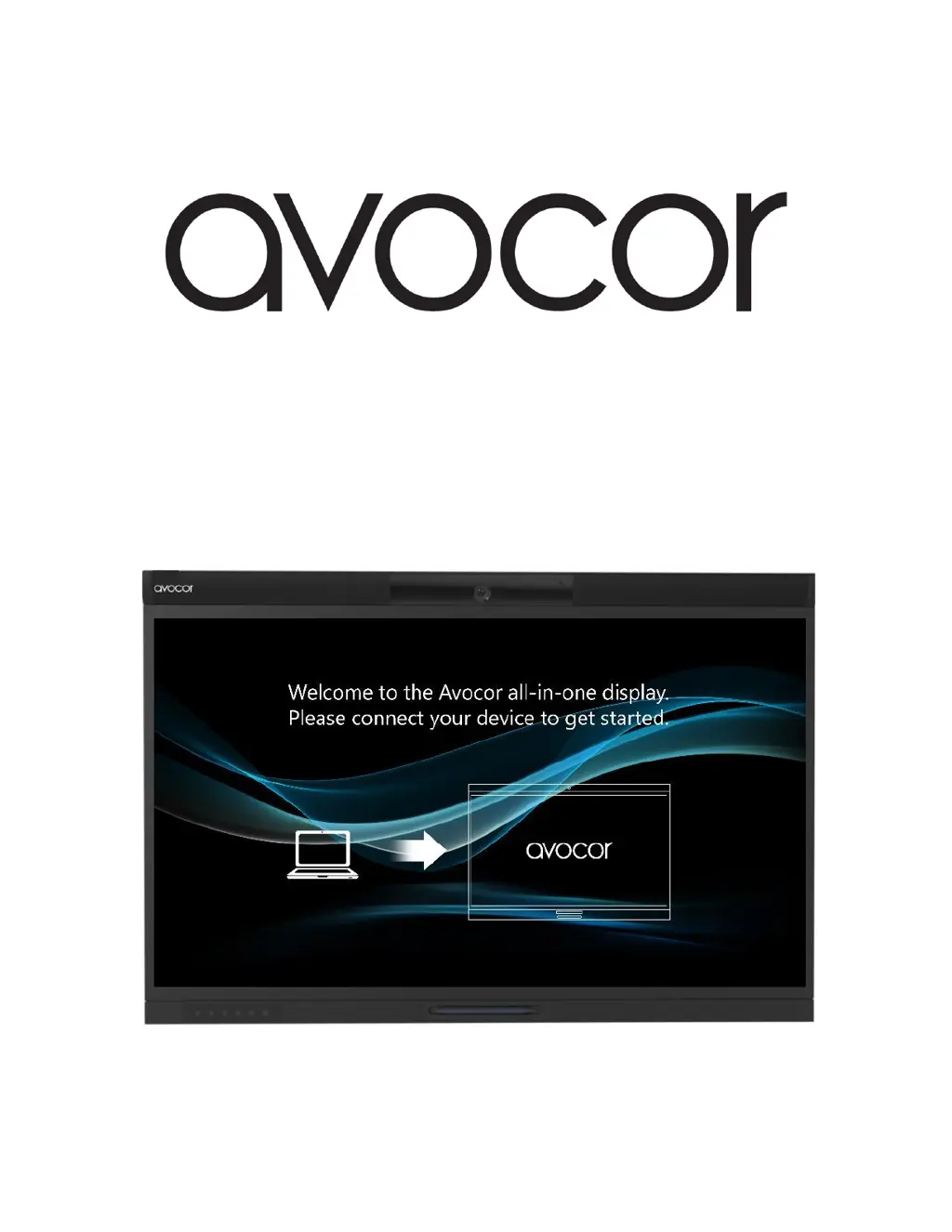
AVOCOR AVW-5555 - User Manual

AVOCOR AVW-5555
70 pages
Print Icon
To Next Page IconTo Next Page
Loading...
Revision Date: 9/10/2020
AVW-5555
All-in-One Display
Model AVW-5555 Installation and Operation Manual

Table of Contents

Questions and Answers

  • R
    Ryan WeaverAug 11, 2025
    What to do if the AVOCOR AVW-5555 Monitor remote control does not work?
    • D
      Denise RobinsonAug 11, 2025
      If the remote control for your AVOCOR Monitor isn't working, first replace the batteries. If that doesn't solve the issue, the buttons might be locked. Unlock them by pressing OK, OK, EXIT, EXIT, OK & EXIT in sequence.
  • P
    pamela41Aug 21, 2025
    Why does my AVOCOR Monitor have power but no picture?
    • A
      Alexa KingAug 21, 2025
      If your AVOCOR Monitor display is on but showing no picture, the issue could stem from several causes. First, make sure you've selected the correct source. Next, verify that the source component is turned on and properly connected to the display. A poor-quality or improperly connected source can also cause this, so ensure your source is of adequate quality and correctly connected for detection. Finally, the horizontal or vertical scan frequency of the input signal may be out of range for the display; correct this at the source.
  • R
    Robert DunnAug 30, 2025
    How to fix incorrect image geometry on AVOCOR AVW-5555 Monitor?
    • K
      kelleyblakeAug 30, 2025
      If the image geometry on your AVOCOR Monitor is incorrect, the aspect ratio selection may be wrong. Try selecting a different aspect ratio to correct it.

AVOCOR AVW-5555 Specifications

General IconGeneral
Screen Size55 inches
Resolution3840 x 2160 (4K UHD)
Display TechnologyLED
Aspect Ratio16:9
Brightness350 cd/m²
Touch TechnologyInfrared
Response Time8 ms
VESA Mount400 x 400 mm
ProcessorQuad-Core
Storage32GB
Panel TypeIPS
Contrast Ratio1200:1
Viewing Angle178°
ConnectivityHDMI, DisplayPort, USB
Operating SystemAndroid
Touch Points20 Touch Points

Related product manuals