Troubleshooting
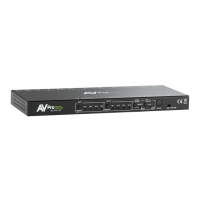
• Verify Power - The LEDs on the front of the matrix should be lit up when power is applied.
Check power supply connections to device and power
• Verify Connections - Check all cables are properly connected
• Issues with one INPUT/OUTPUT - Swap ports to see if the issue stays with the port or with the
device
o Follows the device, then it may be an EDID issue. Default out of the box is
4K60HZ_3D_2CH_HDR. Try another canned EDID - Pg.7, 9, and 12
o Try another canned EDID or use the COPY FROM OUTx command to copy the connected
devices EDID - Pg.7, 9, and 12
• Issues with 4k but 1080 or less working
o Verify all connected devices are capable of the signal you are sending


 To Next Page