If you face any problem during setting up your camera, please do not hesitate to email us at support@epicamera.com .
Our technical support will get back to you as soon as we can. Thanks.
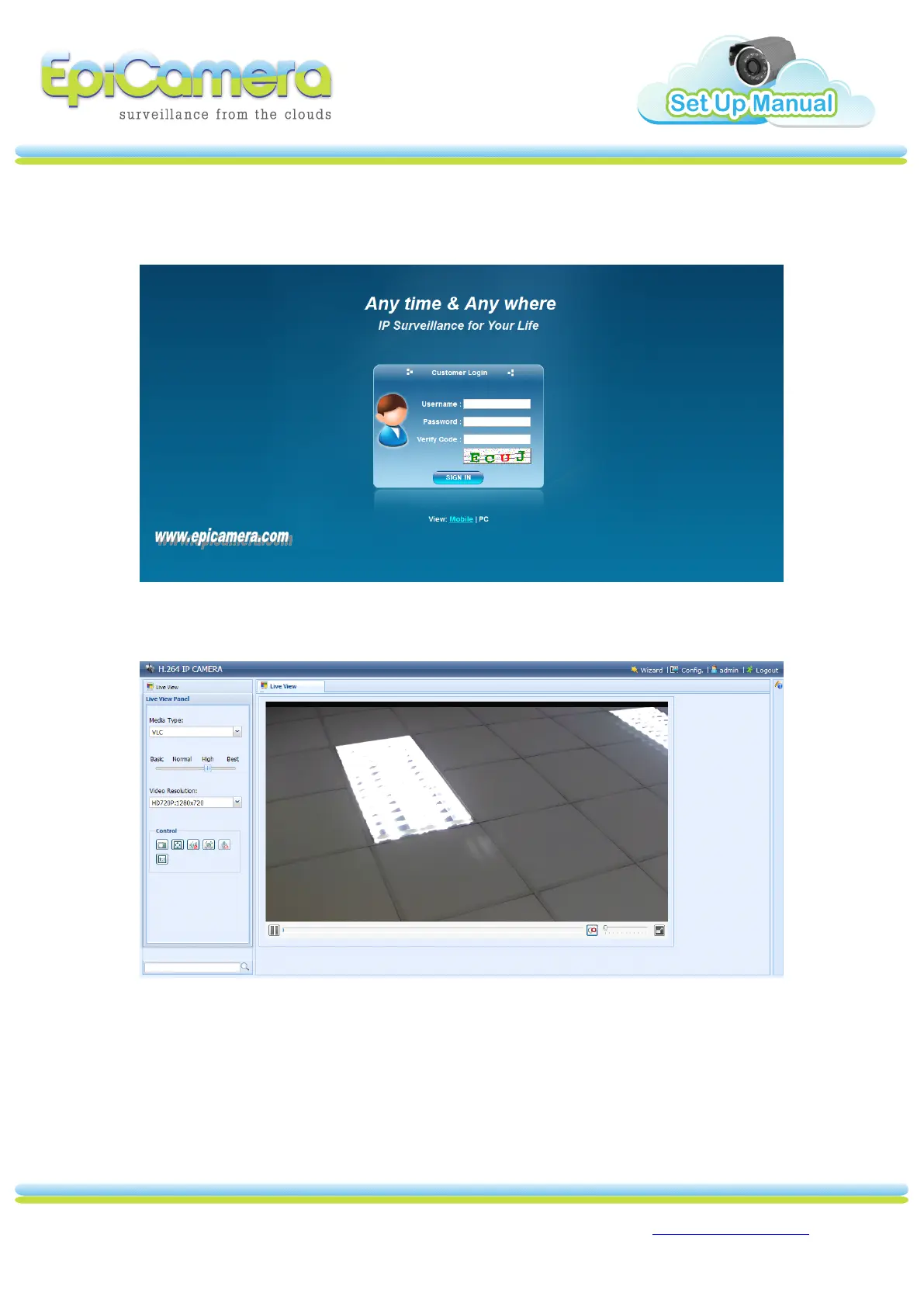
3. In the IE/Firefox browser, please input camera IP address (default IP
“ 192.168.1.23
192.168.1.23
192.168.1.23
192.168.1.23 ” ) and enter. Then fill up the Username and Password that you
configure earlier.
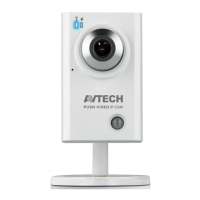
3. After you login successful, you will see below screen. You are require to install
VLC
VLC
VLC
VLC media
media
media
media player
player
player
player or Quicktime
Quicktime
Quicktime
Quicktime player
player
player
player to view the video.



 To Next Page