TV MENU SETUP
10
NOTE
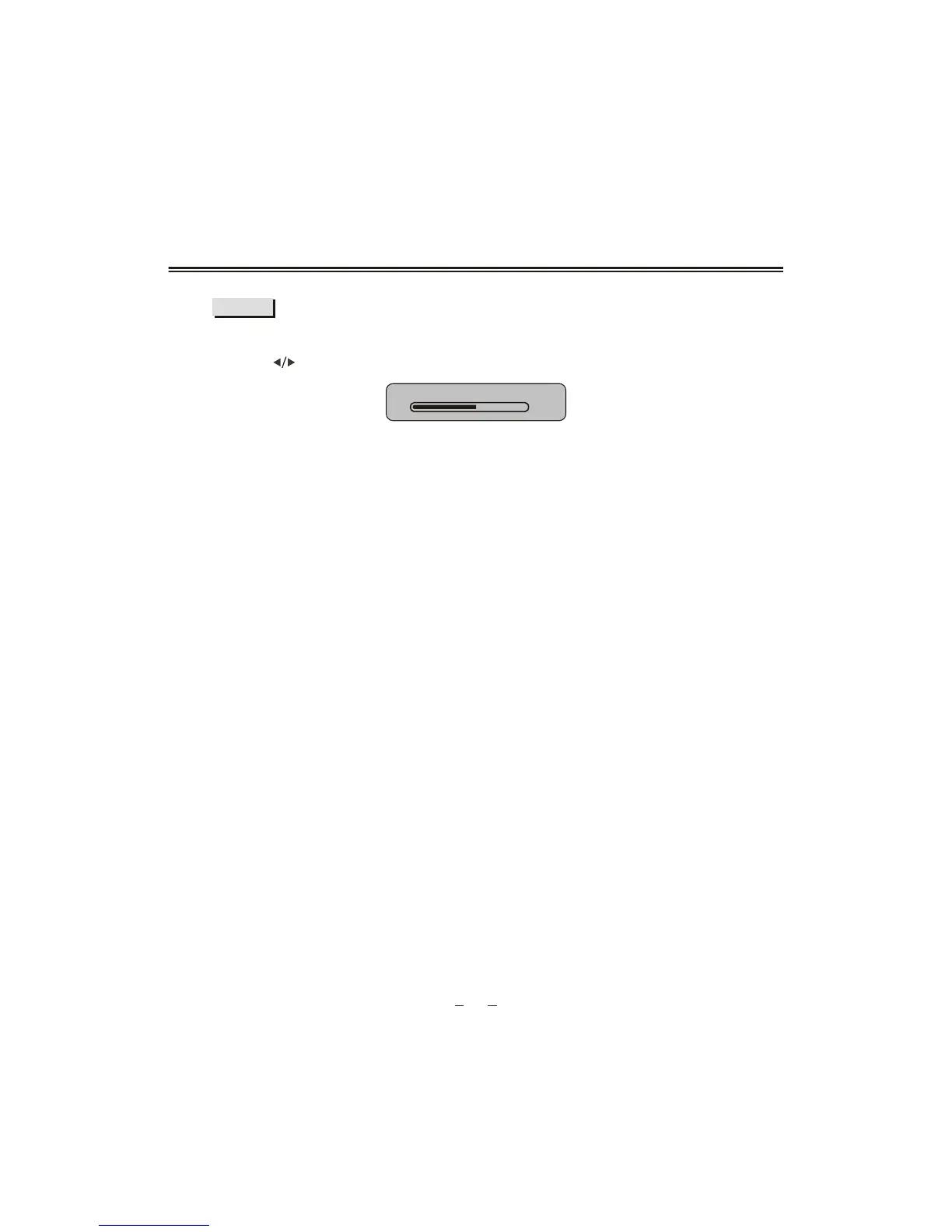
Select "BRIGHTNESS " to adjust it, the sub item will show as follows :
press [ ] button to adjust the value of brightness.
BRIGHTNESS
50
CONTRAST , TINT , SHARPNESS , SATURATION are as the same.
If you have adjusted the upper items not at USER mode, the adjusted value
will automatically overlay the USER mode parameters.
""""" "" "
""
""



 To Next Page