Item
CHANNEL
Description
SKIP
SWAP
SAVE
To select current channel here.
To select "YES " or "NO ", you can select "YES " to make current
channel unaccessible while using [CH+/-] button to browse chann-
els (but you can access it in the TV SETUP menu or this menu).
Select or directly input the channel number you want to swap with
current channel.
Press the [OK] button to confirm the swap operation.
13
TV MENU SETUP
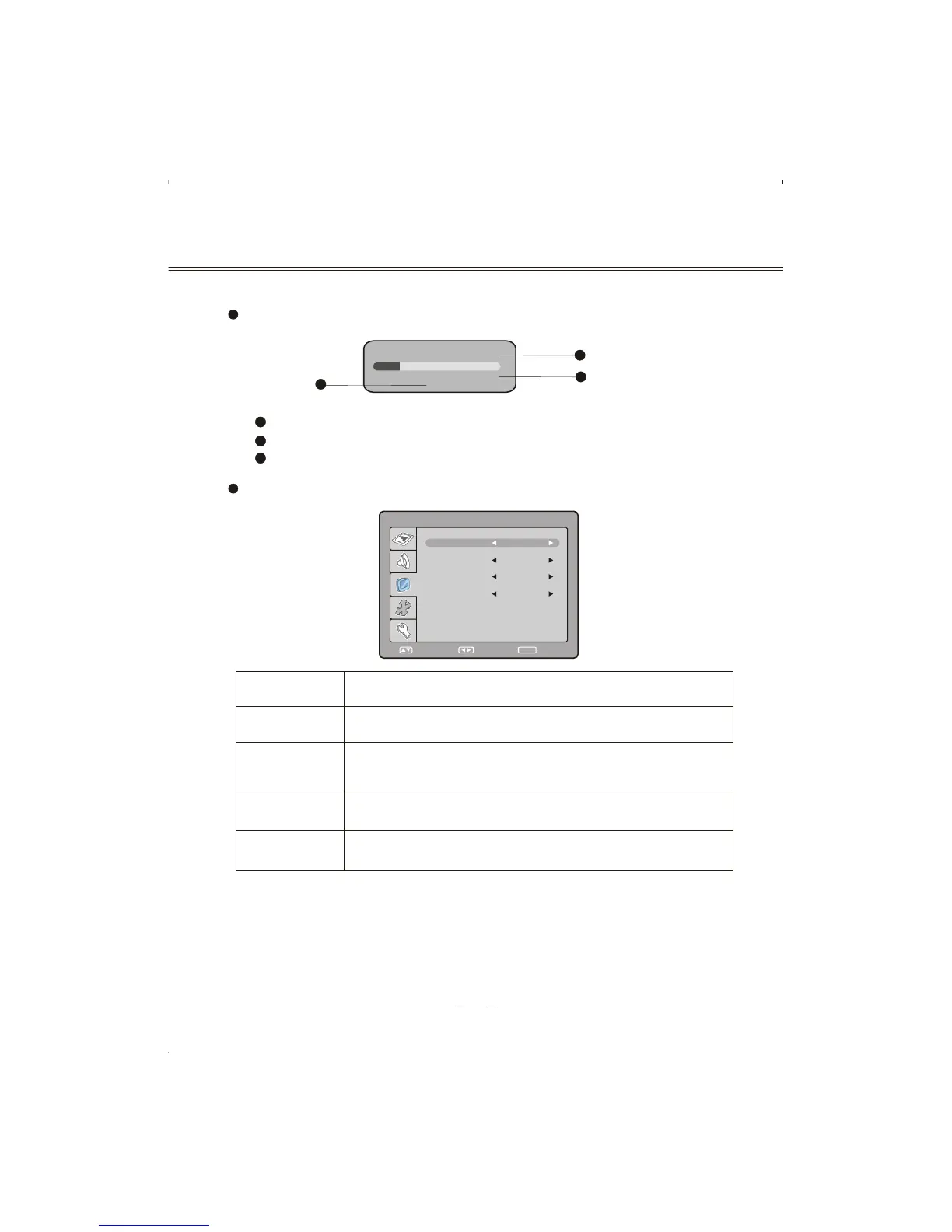
Select "CHANNEL EDIT " , the menu will show as follows:
AUTO SEARCH
112.25MHZ
VHF L
Select "AUTO SEARCH " , the searching menu will show as follows:
3
1
2
3
The number of programs have been found.
The current searching frequency Band, 3 Bands in total: "VHF L" ,"VHF H"," UHF".
The current searching frequency.
2
1
SELECT RETURN
SETUP
ADJUST
CHANNEL EDIT
SKIP
SWAP
SAVE
5
CHANNEL
NO
?
__
2
PRESS SETUP TO EXIT



 To Next Page