VGA SETUP
21
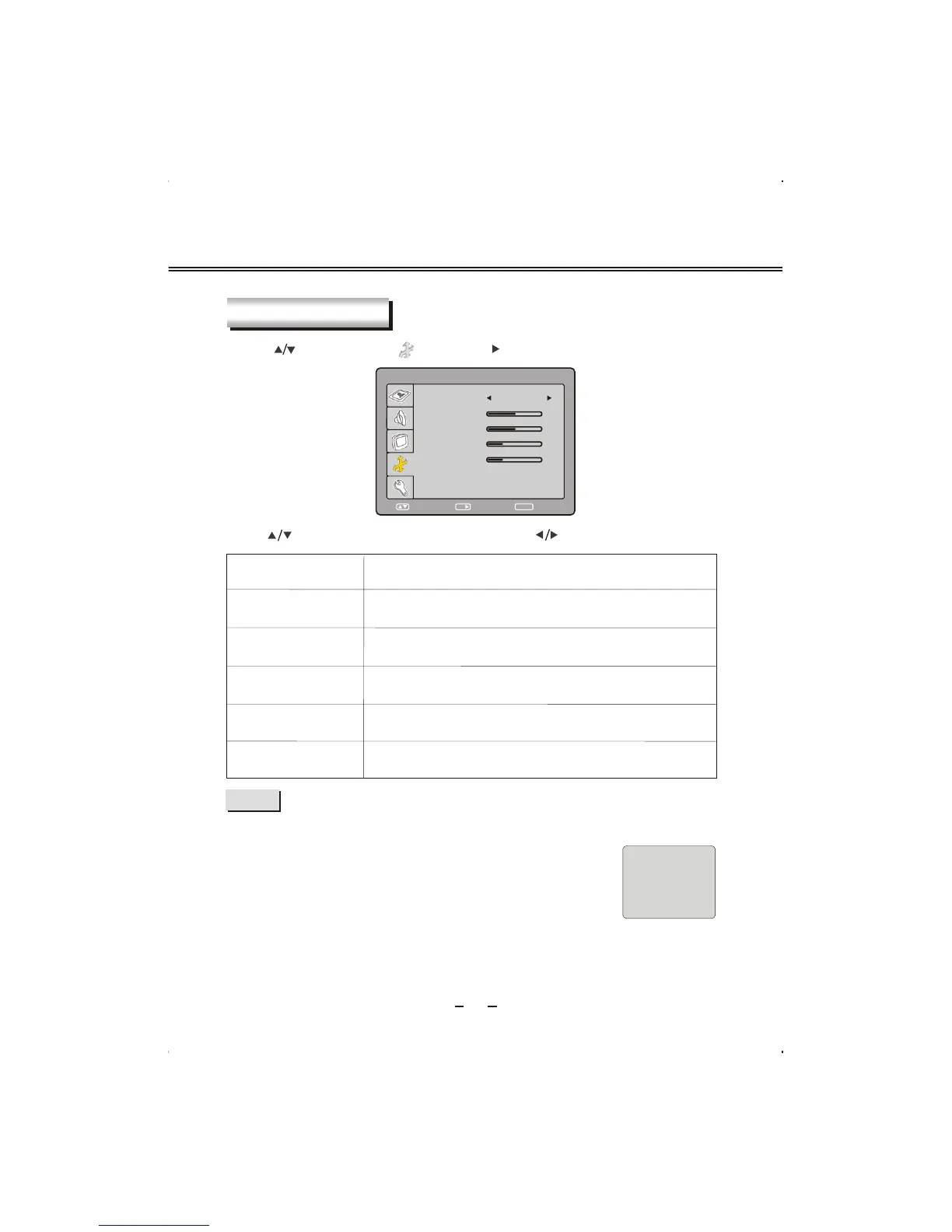
OSD SETUP
Press [ ] button to select " " and press [ /OK] button to enter.
Item
Description
LANGUAGE
OSD H-POSITION
TRANSPARENCY
Select OSD language.
To adjust OSD horizontal position.
Transparency of OSD.
Press [ ] button to select different items and press [ ] button to adjust .
NOTE
VGA
NO SIGNAL
4:50
If you use this unit as a PC-monitor:
If no signal input ,after 5 minutes, this unit will go into sleep mode .
In this mode, the indicator will turn red, and the screen is turned off.
You can wake it up by waking up your PC .
If the unit hasn
't been connected with VGA line to external
equipment, the CABLE NOT CONNECT menu will automatically
display on the screen; and if the input signal is beyond the support
scope, the MODE NOT SUPPORTED menu will automatically display on the screen.
At these two occasion, after 5 minutes, the unit will enter real standby mode (you
must use Power button or Power key to power it).
SELECT RETURN
SETUP
ENTER
OSD SETUP
LANGUAGE
ENGLISH
OSD H-POSITION
OSD V-POSITION
OSD DURATION
TRANSPARENCY
OK
50
50
25
25
OSD V-POSITION
To adjust OSD vertical position.
OSD DURATION
To adjust the main menu display duration time.



 To Next Page