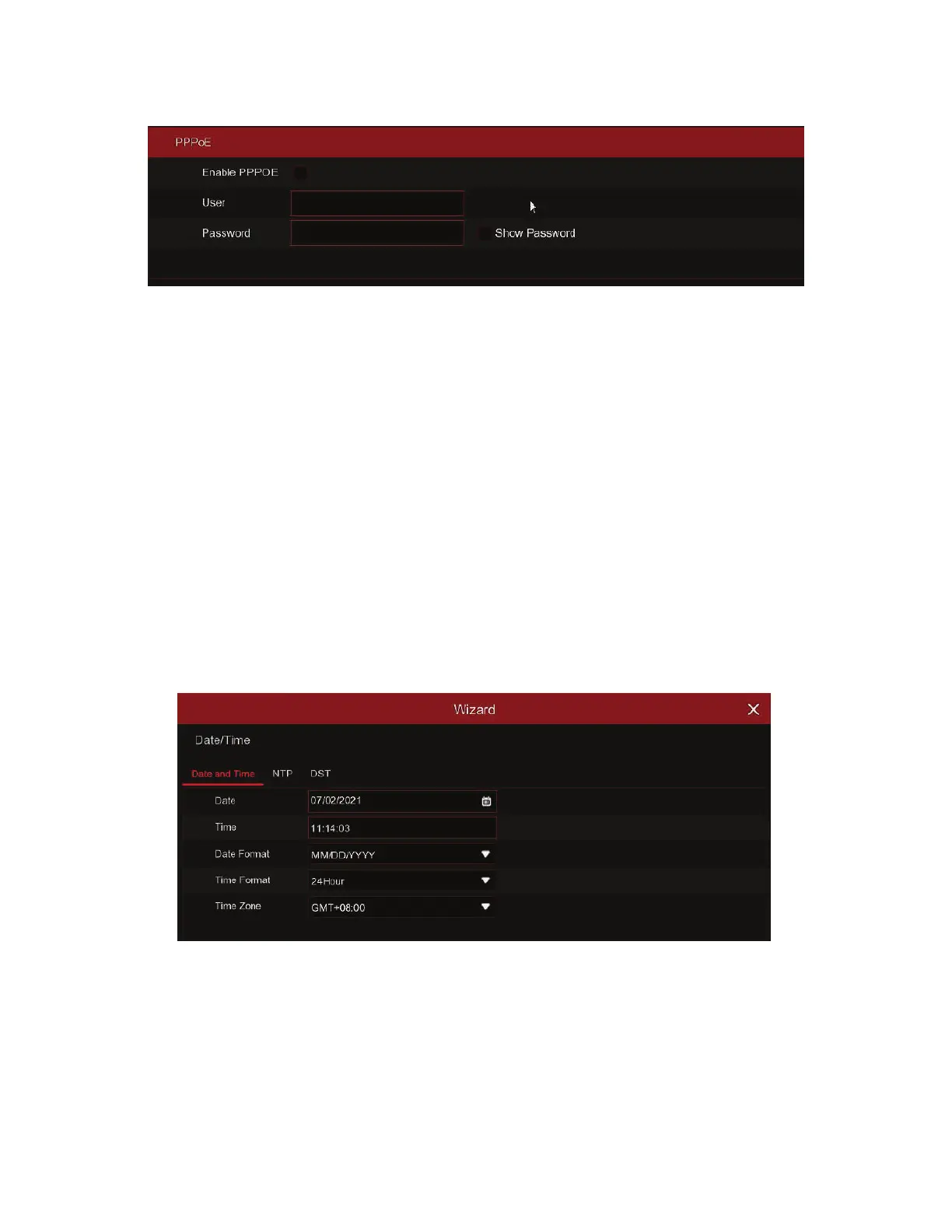
This is an advanced protocol that allows the DVR to connect to the network more directly via
DSL modem.
Check the “Enable PPPOE” box, and then enter the User name & Password of the PPPoE.
This is a prior using the mobile network, you need to connect a 3G dongle to the DVR.
Enable the 3G option, enter the APN, Dial Code, User name & password according to the
instruction of your 3G dongle device.
This menu allows you to configure the Date, Time, Date Format, Time Format, Time Zone,
NTP and DST.
4 DIGITAL VIDEO RECORDERS | AVR SERIES
PPPoE
3G
Click on the calendar icon to set the current system date.
Date: Click on the calendar icon to set the system date.
Time: Click to set the system time.
Date Format: Choose from the dropdown menu to set preferred date format.
Time Format: Choose time format between 24Hour and 12Hour.
Time Zone: Set the correct time zone.
Date and Time
3) Date/Time



 To Next Page