5 DIGITAL VIDEO RECORDERS | AVR SERIES
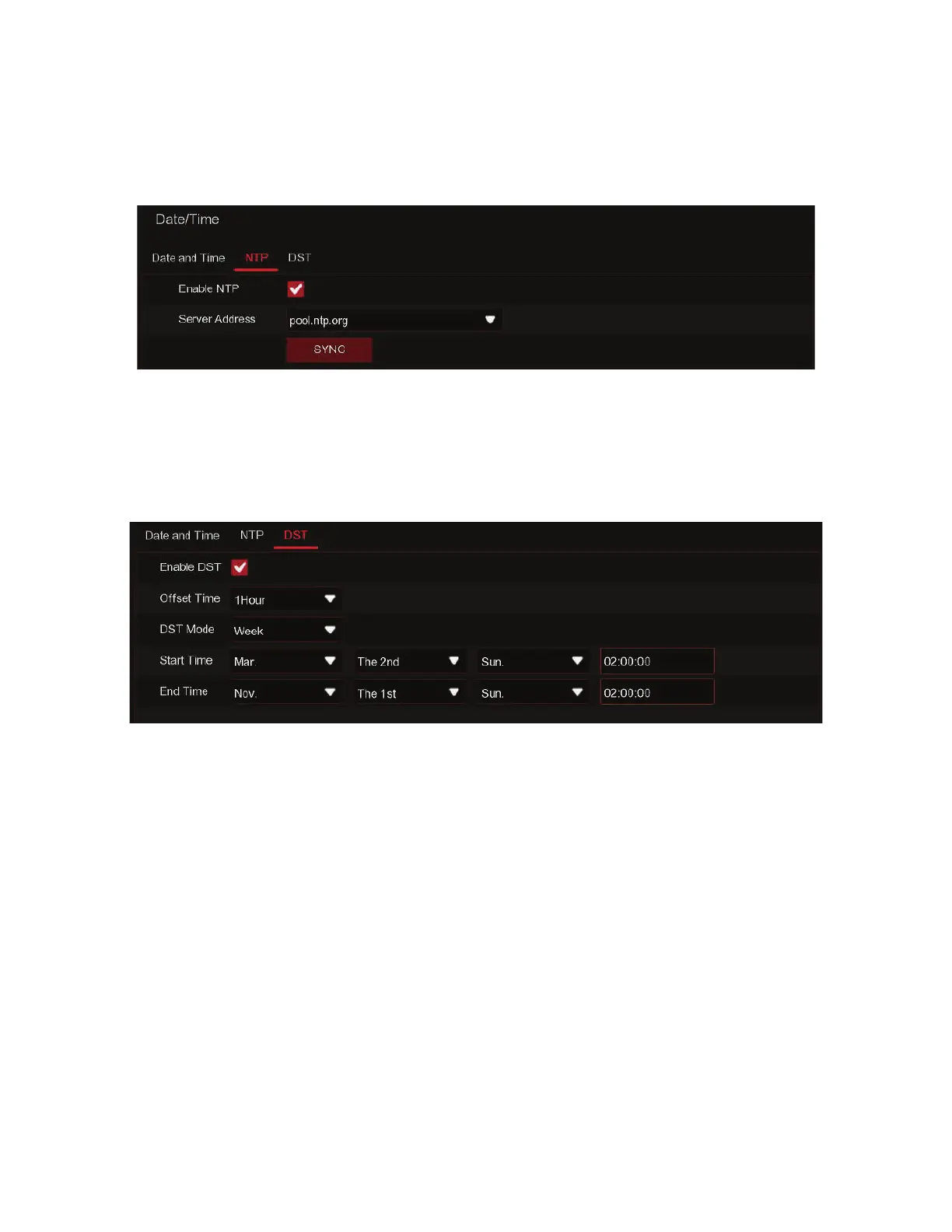
DST: Enable if Daylight Saving Time (DST) is observed in your region
Time Offset: Select the amount of time to offset for DST
Time Mode: Choose to set the daylight saving time in weeks or in days
Start Time/End Time: Set the start time and end time for daylight saving
NTP stands for Network Time Protocol. This feature allows you to synchronize the date and
time automatically on the DVR over Internet. Therefore, the DVR needs to be connected to
the Internet.
Check the “NTP” box, and select the NTP server.
NTP
DST stands for Daylight Savings Time.
DST



 To Next Page