6 DIGITAL VIDEO RECORDERS | AVR SERIES
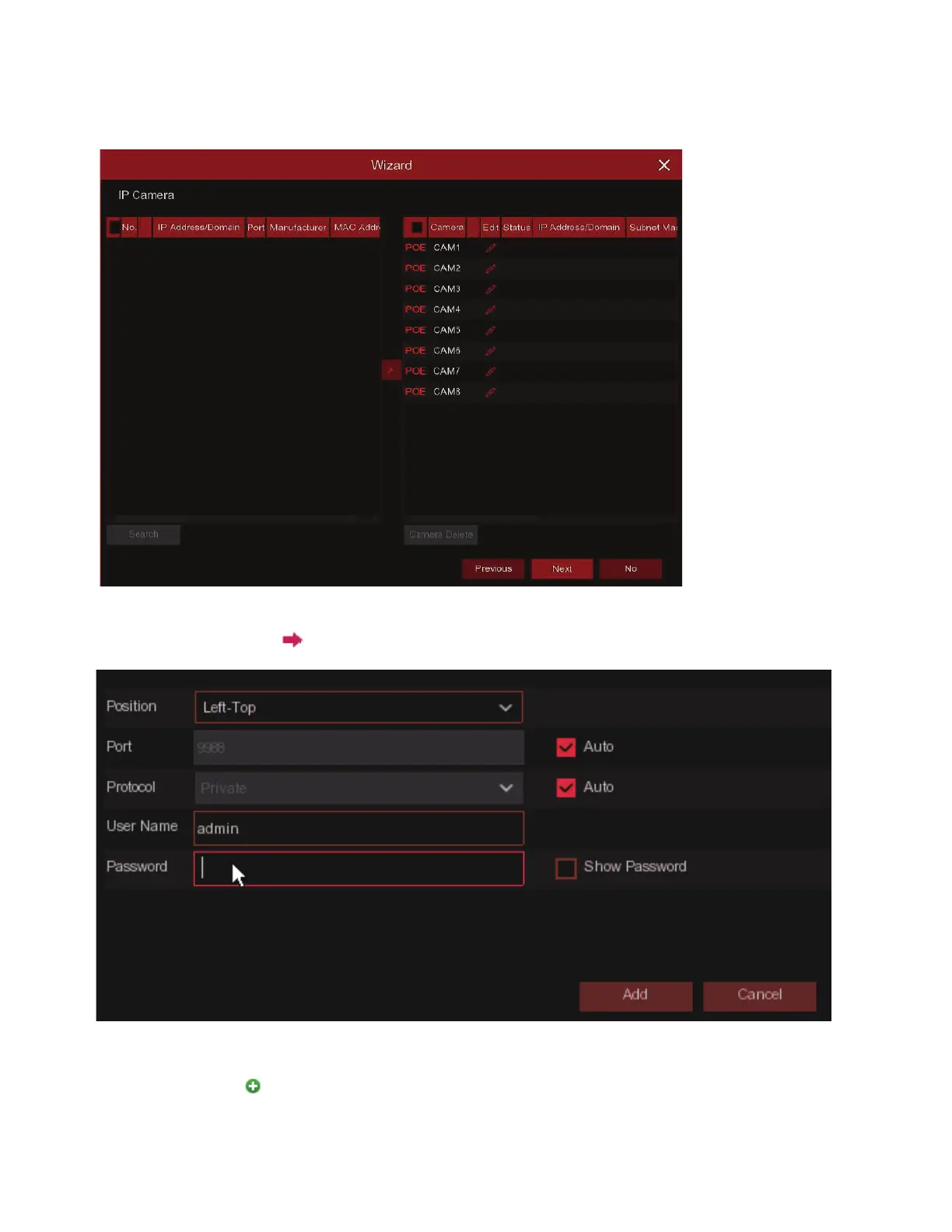
4)IP Camera
Click Search to search IP cameras in the same network. Choose the IP camera(s) you want
to add, and then click icon to add to the DVR.
Enter the camera's user name & password to add the camera(s).
You can also click button to add individual IP camera to a single channel.
This menu allows you to add IP cameras to the DVR.



 To Next Page