EasyManua.ls Logo

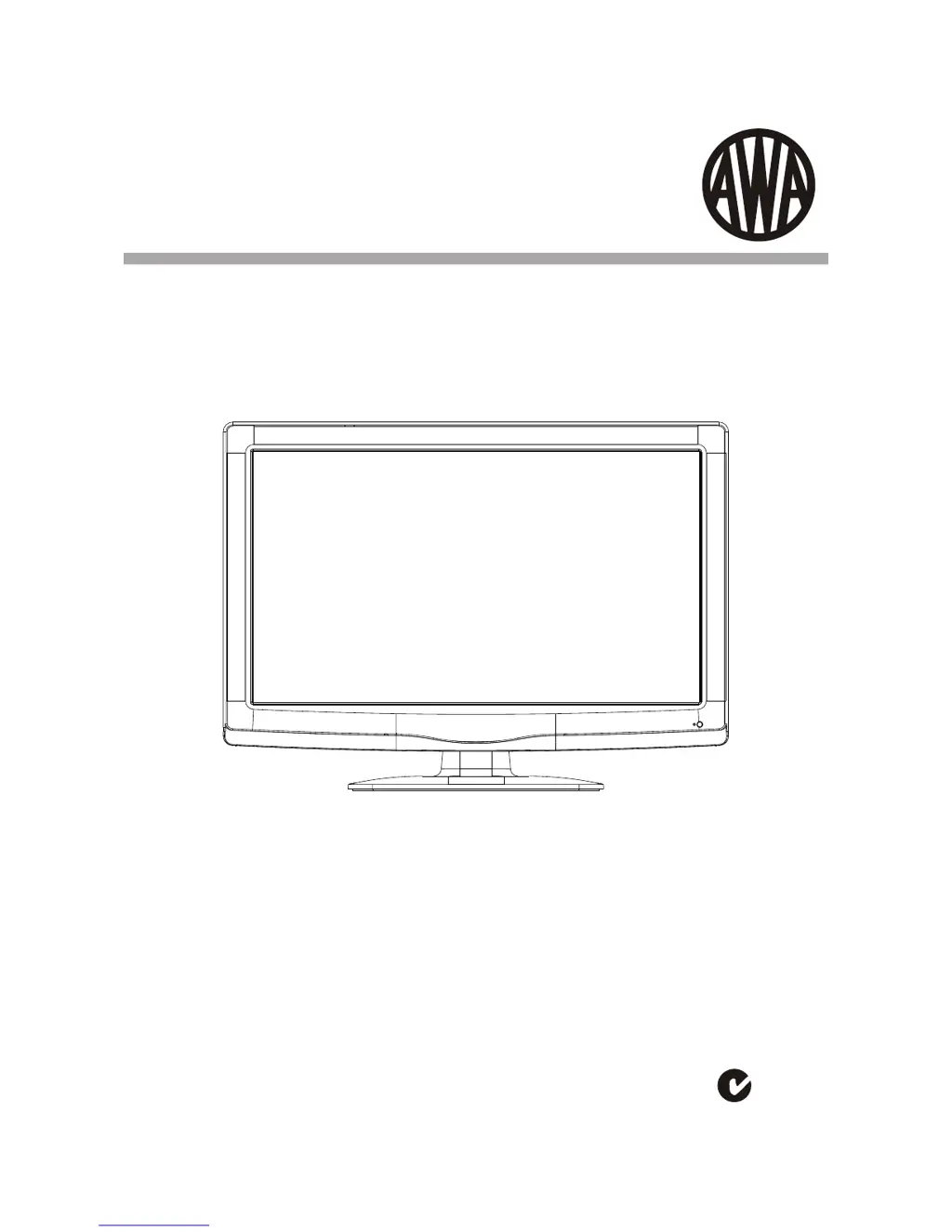
AWA MSDV3211-03 - User Manual

Default Icon
24 pages
Print Icon
To Next Page IconTo Next Page
Loading...
USER MANUAL
Thank you for purchasing this LCD TV. Before connection and operation of this
product please read the manual carefully and completely.
Please keep this manual for future reference.
N294
MSDV3211-O3
32" (81cm) HD READY LCD Television

Questions and Answers

Summary

Safety and Warnings

Important Safety Instructions

Key safety guidelines for operating the TV to prevent hazards.

Stand Installation Guide

Installation - Wall Mounting and Stand Removal

Wall Mounting Holes Spacing and Location

Information on VESA mount hole dimensions and placement for wall mounting.

Base Stand Disassemble Illustration

Instructions and illustration for removing the TV stand.

Installation - Accessories and Front Panel

Accessories List

Lists included accessories like power cord, remote control, and batteries.

Front Panel Overview

Identifies the remote control sensor, indicator LED, and keyboard on the TV front.

Installation - Controls and Connectivity

Keyboard Functions

Explains the functions of the TV's physical control buttons.

Rear Panel Connectivity

Details the various input and output terminals on the TV's back panel.

Installation - Antenna Connection

Installation - Connecting to PC

Installation - PC Preset Modes

Installation - AV Equipment Connection

Remote Control

Remote Control Functions

Detailed description of each button on the remote control and its function.

Insert Batteries Into the Remote Control

Step-by-step guide for inserting batteries into the remote.

Remote Control - Teletext

Teletext Functions

Explanation of how to use the teletext feature and its controls.

Teletext Navigation

Details on selecting pages, direct access, and other teletext controls.

Operation - Channel Menu

Channel Menu and Tuning

How to access the channel menu and perform auto and manual tuning.

Auto Tuning Procedure

Steps for automatically scanning and saving TV channels.

Operation - Channel Management

Manual Channel Tuning

Guides for DTV and ATV manual tuning and signal strength indicators.

Program Edit Functions

How to delete, rename, move, skip, and set favorite channels.

Operation - Picture and Sound Settings

Picture Menu Settings

Adjusting picture settings like contrast, brightness, color, and aspect ratio.

Sound Menu Settings

Adjusting sound settings such as treble, bass, balance, and auto volume.

Time Menu Settings

Configuring clock, timers, and sleep functions for the TV.

Operation - Options and USB Media

Option Menu Settings

Customizing OSD language, audio, subtitle languages, and factory reset.

Lock Menu Settings

Setting up parental controls and program blocking using a password.

Applications Menu (USB Playback)

Accessing and playing media files (photos, music, movies) from a USB drive.

Operation - Program Guide

EPG Menu (Electronic Program Guide)

Using the EPG to view program schedules and set reminders.

Trouble Shooting

Technical Specifications

LCD Specifications

Technical details of the LCD panel, including size, resolution, brightness, and response time.

TV System and Connectivity

Information on TV system types, decoding standards, and available terminals.

Product Warranty

AWA MSDV3211-03 Specifications

General IconGeneral
BrandAWA
ModelMSDV3211-03
CategoryLCD TV
LanguageEnglish

Related product manuals