What does '******' mean in the concentration column of my Awareness Technology Laboratory Equipment?
- LLaura MooreAug 4, 2025
This error message shows in the Concentration column when an error occurs during concentration calculation.
What does '******' mean in the concentration column of my Awareness Technology Laboratory Equipment?
This error message shows in the Concentration column when an error occurs during concentration calculation.
Why does my Awareness Technology Stat Fax 4700 Laboratory Equipment say '%Absorbance Mode should not be used with negative absorbances!'?
This message indicates that the user is in %Absorbance Mode and a standard reading resulted in a negative absorbance value.
What to do if Awareness Technology Stat Fax 4700 says 'Cannot match test wavelength with filters currently installed on device!'?
This message indicates that a filter has been changed, and you are trying to recall a test that was stored before the filter change. To resolve this, create and store a new test using the current filter(s).
What does '>10**6' mean on my Awareness Technology Laboratory Equipment?
This message appears in the Concentration Column when the concentration is greater than 10**6, as the column can only display six characters.
Why does my Awareness Technology Laboratory Equipment say 'Assay Cannot Be Edited!'?
This means you're trying to modify an OEM preprogrammed test, but it's been set to prevent editing.
Details safety symbols and terms used on the product and in the manual for hazard identification.
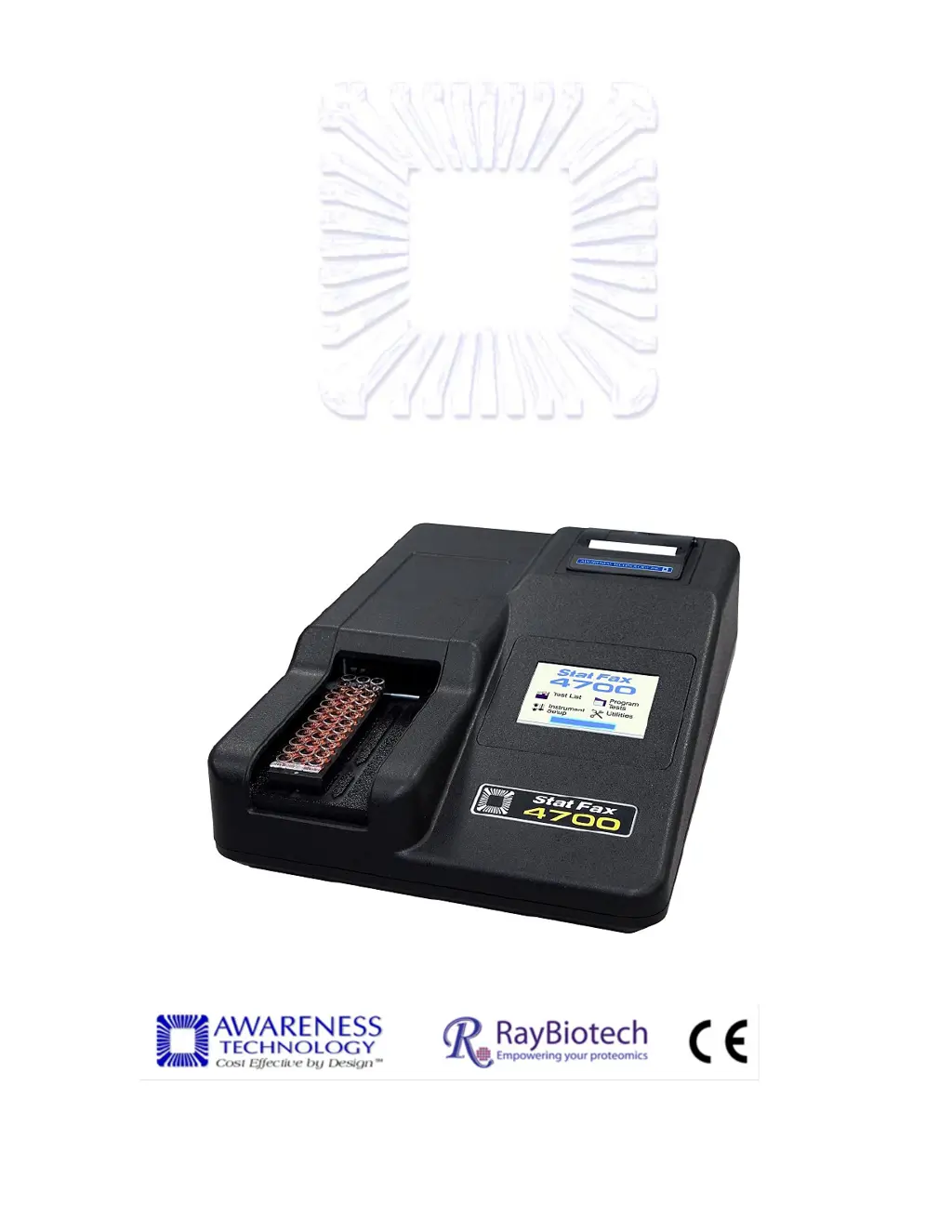
Essential safety guidelines for operating the Stat Fax 4700 to ensure user safety and instrument longevity.
Step-by-step guide for unpacking, setting up, and preparing the Stat Fax 4700 for initial use.
Procedure to verify the instrument is ready for use after installation and setup.
Guidelines to follow during operation to ensure safety and accurate results.
List and explanation of error messages displayed by the instrument, with guidance for resolution.
Details safety symbols and terms used on the product and in the manual for hazard identification.
Essential safety guidelines for operating the Stat Fax 4700 to ensure user safety and instrument longevity.
Step-by-step guide for unpacking, setting up, and preparing the Stat Fax 4700 for initial use.
Procedure to verify the instrument is ready for use after installation and setup.
Guidelines to follow during operation to ensure safety and accurate results.
List and explanation of error messages displayed by the instrument, with guidance for resolution.
| Light Source | Tungsten halogen lamp |
|---|---|
| Wavelength Range | 400-700nm |
| Power Requirements | 100-240 VAC, 50/60 Hz |
| Type | Microplate Reader |
| Read Mode | Absorbance |
| Plate Type | 96-well microplates |
| Display | LCD |
| Interface | RS-232 serial port |
| Weight | 7 kg |