IV. Changing Weighing Units
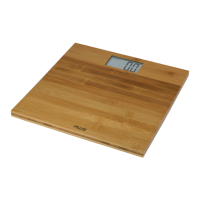
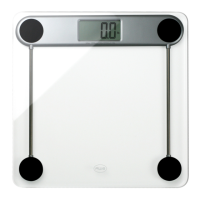
To change the current weighing unit, use the UNIT button
on the bottom side of the scale. Notice the display will
change between kg, st:lb, and lb with each button press.
V. Weighing
Once you have chosen the desired weighing unit (see •
above), step onto the scale to activate the Auto-On
feature.
The display will begin to ash, then lock the weight on •
the display once the weight is stable.
The scale will turn off automatically after 10 seconds.•
Notes: Do not leave items on the scale when not in use. If
moving the scale around, please first allow the display to


 To Next Page