Axell BSF-3302 61-200001 Series Repeater
Product Description and User’s Manual
© Axell Wireless Ltd Doc. No. PN 3302 61-200001 Series-UM Rev. 1.0 63
7.3 Logs Screen
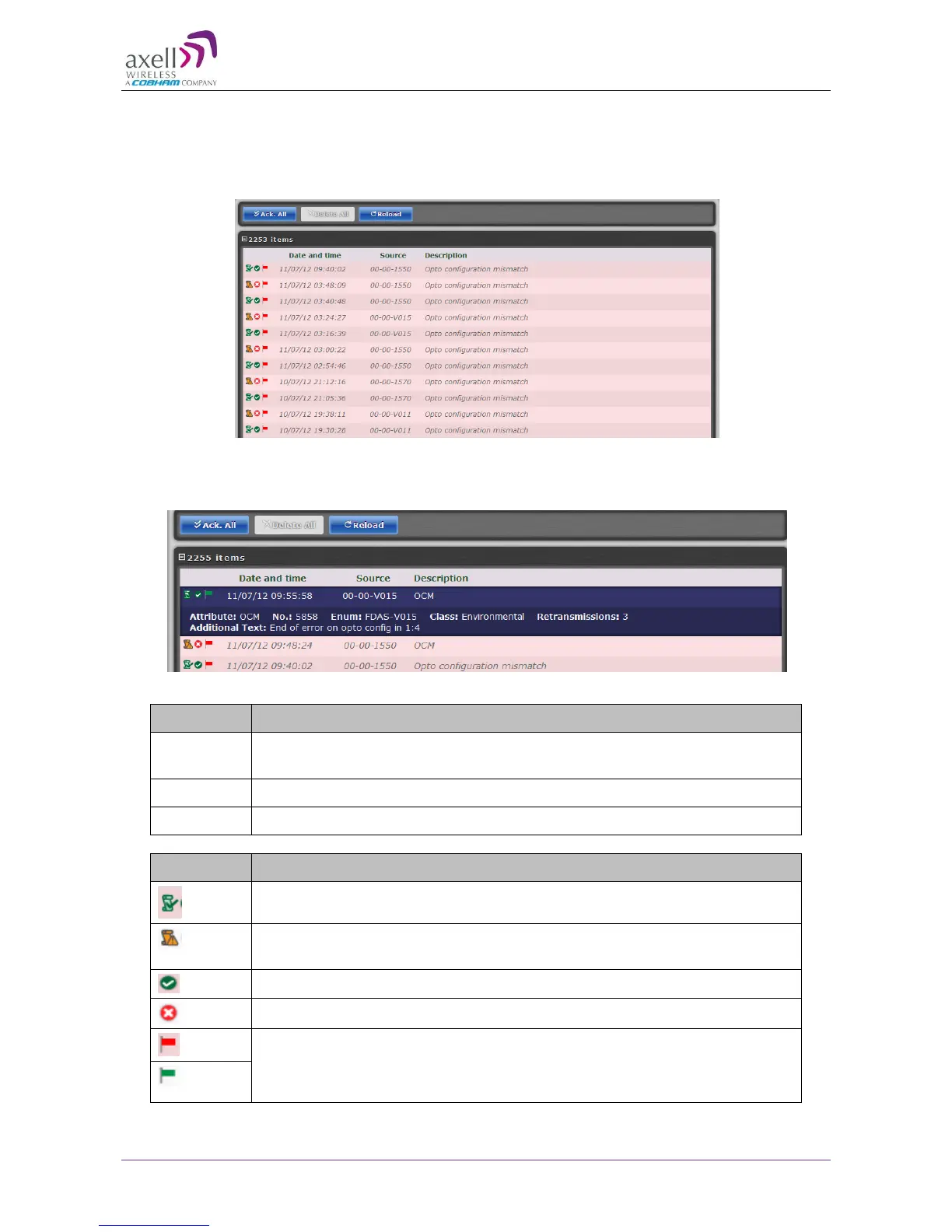
The Alarms Log displays the last 100 alarms and/or user actions on the remote system in a
chronological order. By hovering with the mouse over each alarm, full alarm details are available,
including alarm descriptions, severities, alarm classes and time of event.
Figure 7-5: Logs
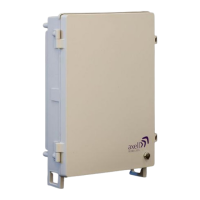
To receive a summary containing all information on a reported incident in the Log list, simply hover
with the mouse over the specified Log and view all details contained in the Log (see below).
Figure 7-6: Logs – Summary
Acknowledge alarm – Green = Acknowledged.
Click to change acknowledgement.
Use the Ack All button to acknowledge all alarm logs.


 To Next Page