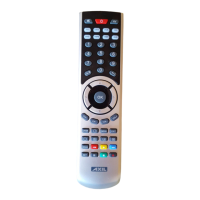
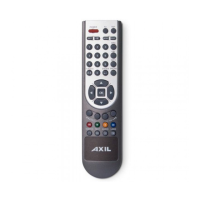
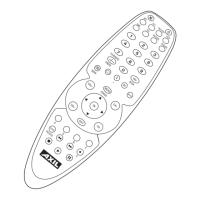
Congratulations! You have just purchased an outstanding 7 in 1 Universal Remote Control with the
comprehensive codes library. Your universal remote control combines the main function of several
controls for almost any brand of TV, VCR, Satellite, Cable TV, DVD, CD.
The Individual indicator lights will show you the current remote control mode status.
Introduction
Comprehensive codes library – More than 1800 IR remote control codes for over 8000 audio-visual devices.
Various Setup method – Direct Code setup; Quick search setup ; Auto search setup; the revolutionary search
method: looking for fi ve codes by one step will save the time on setup a lot.
Backup memory - All the set up data will be stored permanently, you don’t need to be worry about data loss
when you replace battery.
Code recall – The code can be easily read by the simple way
Volume lock - Fix VOL+/VOL- button of TV to control your home theater.
Child lock mode – Protect the children from the unsuitable channel program
Don’t forget the batteries
Before you begin using this remarkable product for the fi rst time, you will need to insert the two fresh AAA
batteries and set up the device, observing the polarity instructions inside the battery compartment. Throughly
close the battery compartment.
We recommend to use longlife or powerlife batteries.
Please note: When the batteries need to be changed, make sure not to touch any keys of the remote control
during this to avoid the loss of the setting.
1 BUTTONS FUNCTIONS
Once you installed the batteries, your URC is ready to be used. Refer to the key chart to learn how they function.
When you use the remote, fi rst select the type of device you wish to use by pressing the corresponding device key
after programming. Besides the device keys, all other keys are only active if the device also has these functions.
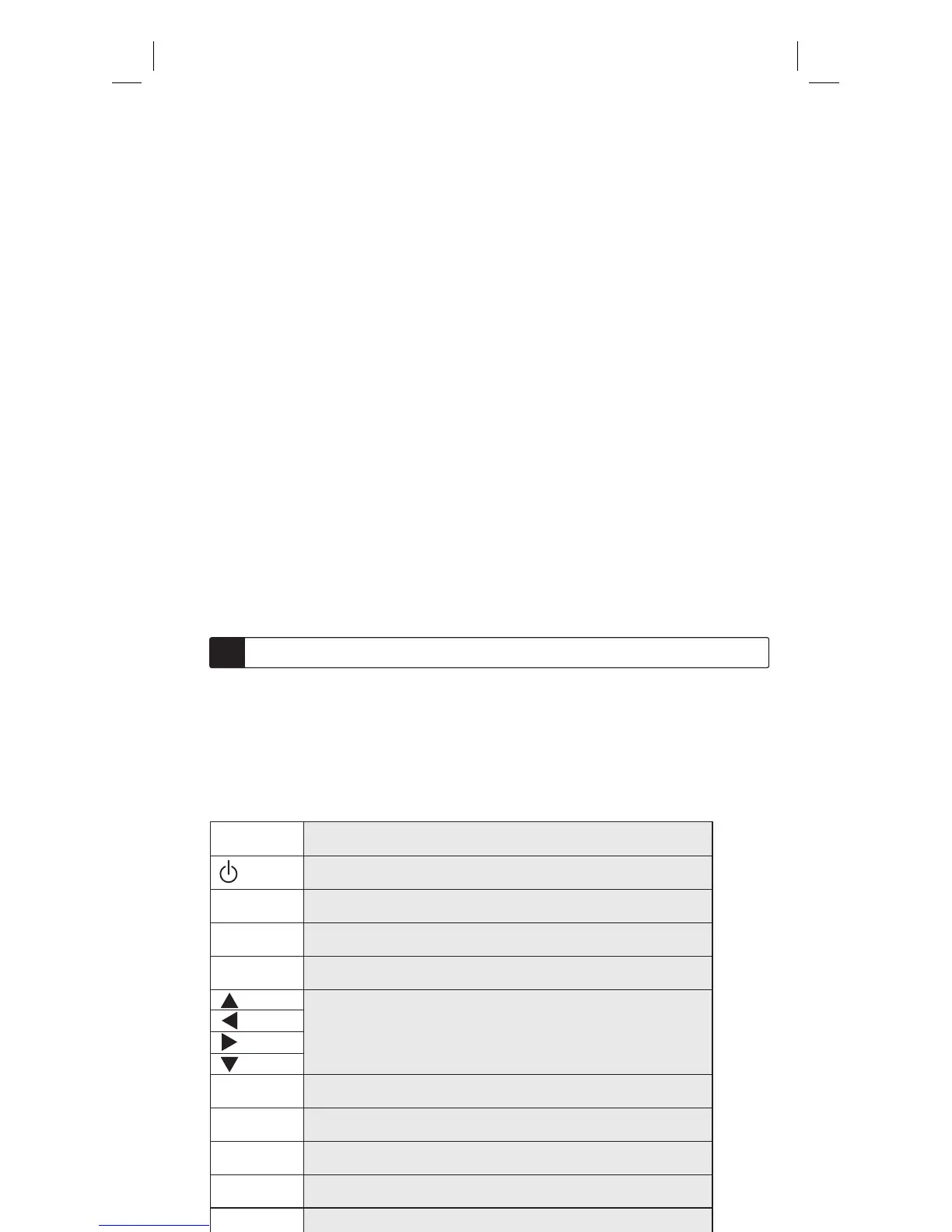
Key chart:
Channel UP
Turn on/off device
Volume UP
Channel Down
Volume Down
If available, these keys will allow you to navigate through the menu, on
some device, you may have to press CH+/-, VOL+/- or the color key (R,G,Y,B)
to navigate through the menu, depending on your model of device.
For confi rming the choice
Go to the previous menu screen in SAT/CBL
Menu; operates the same function as your original remote control
Mute
Exits from your device guide or menu, operates the same function as your
original remote control
CH+
VOL+
CH-
VOL-
OK
BACK
MENU
MUTE
EXIT


 To Next Page