2.4 MULTIMEDIA
Multimedia must be used with external USB device inserted, otherwise the
Device is not ready! message will be displayed, remove device when playing photo
or MP3/WMA, the Device is removed! message will be displayed and return to
Main Menu.
2.4.1 My Album
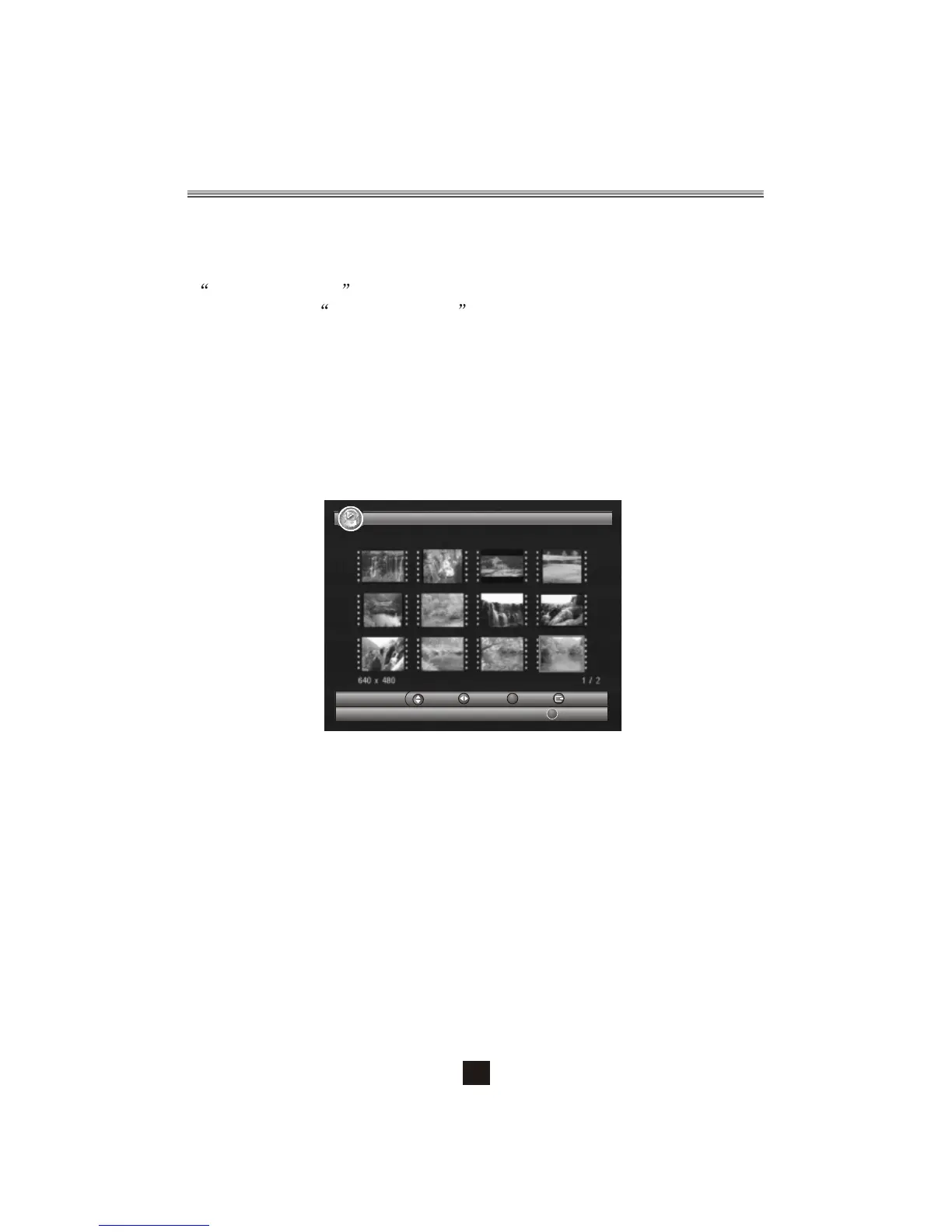
My Album can display JPG/BMP/GIF photos and operate it. If there are photos in device
root folder, it will start at Thumbnail mode, otherwise it will start at Folder mode. Press
<BLUE> button can switch to Folder mode and <Exit> button to Thumbnail mode again.
Figure 6. My Album - Thumbnail
My Album - Thumbnail
17/10/07 12:59
View
OK
Move Move Exit
Folder
2.4.1.1 Thumbnail/Folder
The info (Width X Height and Date) of selected photo will be displayed at the left bottom
in Thumbnail mode and right up in Folder mode. See Figure6.
11
Press <Up/Down/Left/Right/OK> button to browse folders or files.
Press <OK> button to view the selected photo and press again to start slide show.
Press <Info> button to see the help information when view or slide show.


 To Next Page