16
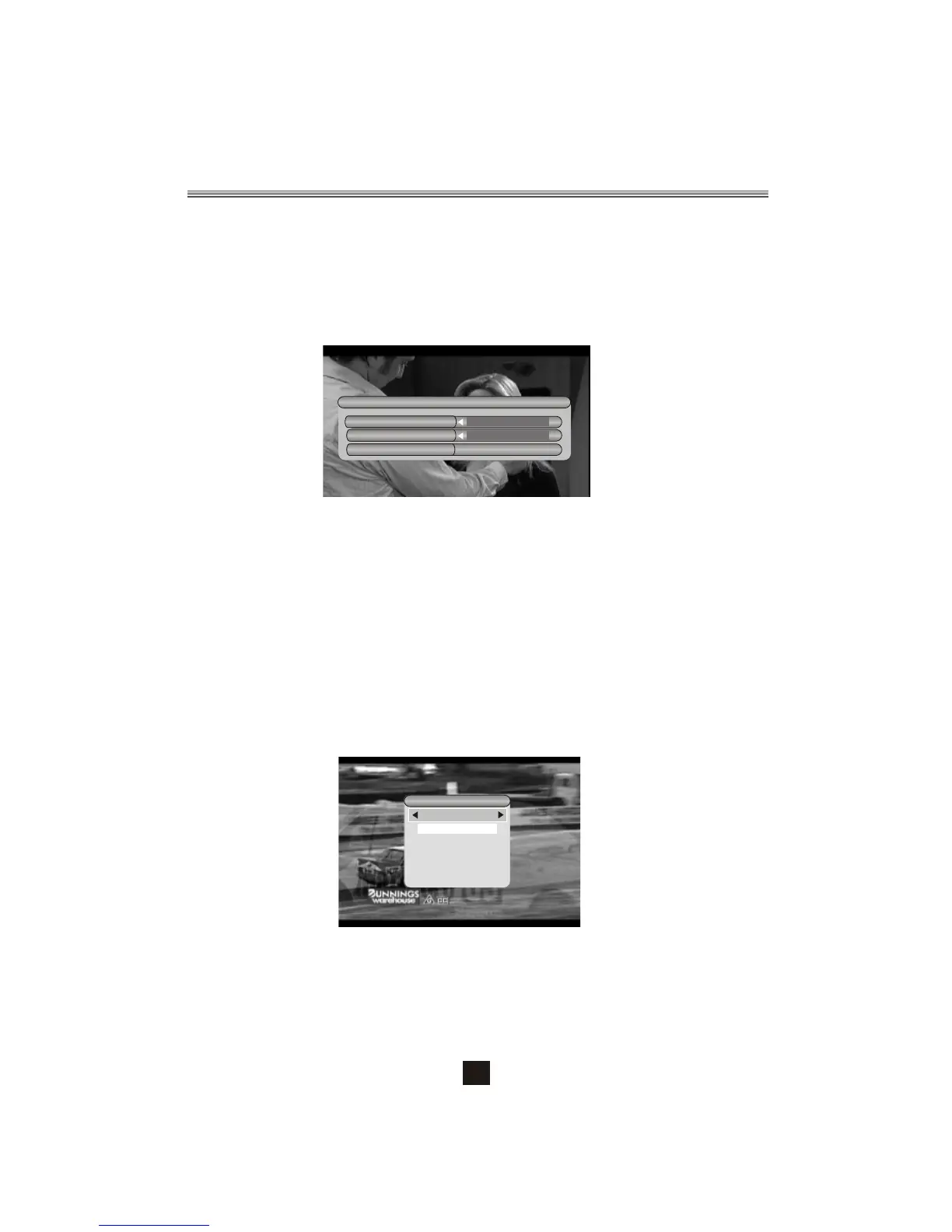
Figure 13. Teletext Setting Page
3.6 Pause
Pause video and audio. But it will be canceled by any input.
3.7 Favorites
User can switch the favorite programs in the same favorite group. About favorites
setting, see section 2.3.1.1 for details.
Press <YELLOW> button to switch the favorite group in Program list.
Press <CH +/-> button to switch the same favorite program in normal play mode.
3.8 Teletext (See Figure 13.)
Display teletext on screen, the style of teletext may be different by content provider.
Press <Text> button to display the teletext setting page.
Press <Up/Down> button to select the teletext language if the program has teletext.
Press <OK/Exit> button to exit the teletext setting page.
Press <0~9/Up/Down/Left/Right> button to change teletext page if teletext exists.
Teletext Language
eng
OFF
TELETEXT
Figure 12. Audio Channel
Audio channel
Channel
eng
0650
LR
Sound Mode
Audio PID
3.5 Audio
Switch the sound channel and switch sound mode to LR(stereo) or LL(left) or
RR(right). If setting audio language at SETUP->Installation->Audio Language,
the audio channel default language will be chosen by setting. See Figure 11. Press
<Audio> button to display the audio channel page. Press <Up/Down> button to
select Channel/Audio PID or Sound Mode option. Press <Left/Right> button to set
the value. See Figure 12.
3.9 Subtitle
Display the subtitle on screen, the style of subtitle may be different by content
provider. See Figure 14.
Press <Subtitle> button to display subtitle setting page.
Press <Up/Down> button to select subtitle language, if the program has subtitle.
Press <OK/Exit> button to exit subtitle setting page.


 To Next Page