12
2. ANGLE
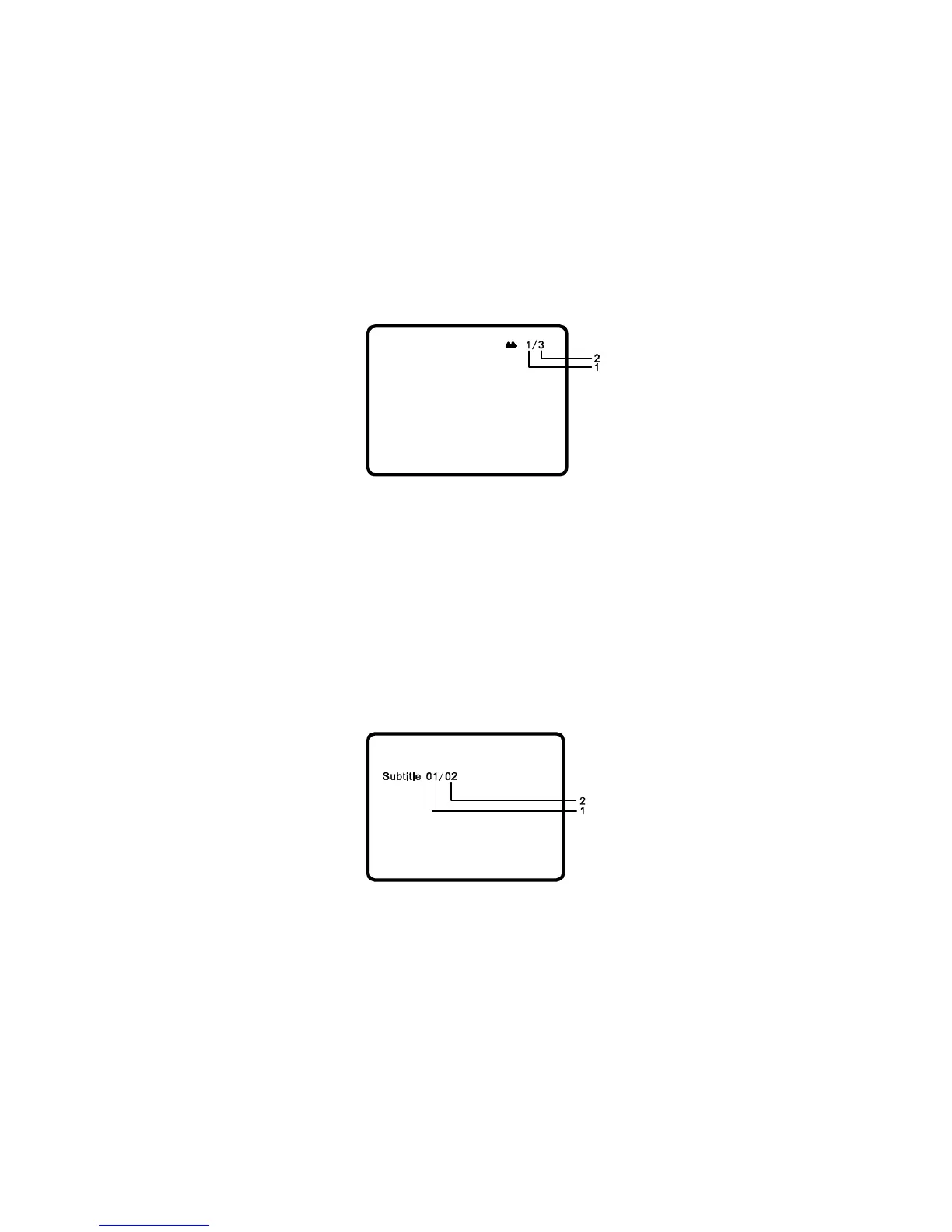
During playback of a disc, press ‘ANGLE’ to display the available angles for discs
containing multi-angles*, with the current angle number (1) and the total number of
angles (2) displaying. Press ‘ANGLE’ to select another angle, then press again to
exit and return to the normal viewing angle.
*NOTE: Not all discs contain this feature.
Angle Screen Display
3. SUBTITLE
During disc playback press ‘SUBTITLE’ to select the subtitle language you desire*,
with the current Subtitle Language Number (1) and the total Number of Subtitle
Languages (2) displayed. If there are multiple languages press ‘SUBTITLE’ again to
select another subtitle language. To turn subtitles OFF, press the ‘SUBTITLE’
button until ‘Subtitle Off’ is displayed. The Subtitle display will disappear
automatically if the ‘SUBTITLE’ button is not pressed again within 3 seconds.
Subtitle Screen Display
* Some DVDs only allow access to this function through the DVD menu.
PDF created with FinePrint pdfFactory Pro trial version http://www.fineprint.com



 To Next Page