16
L. Connecting To Other Equipment
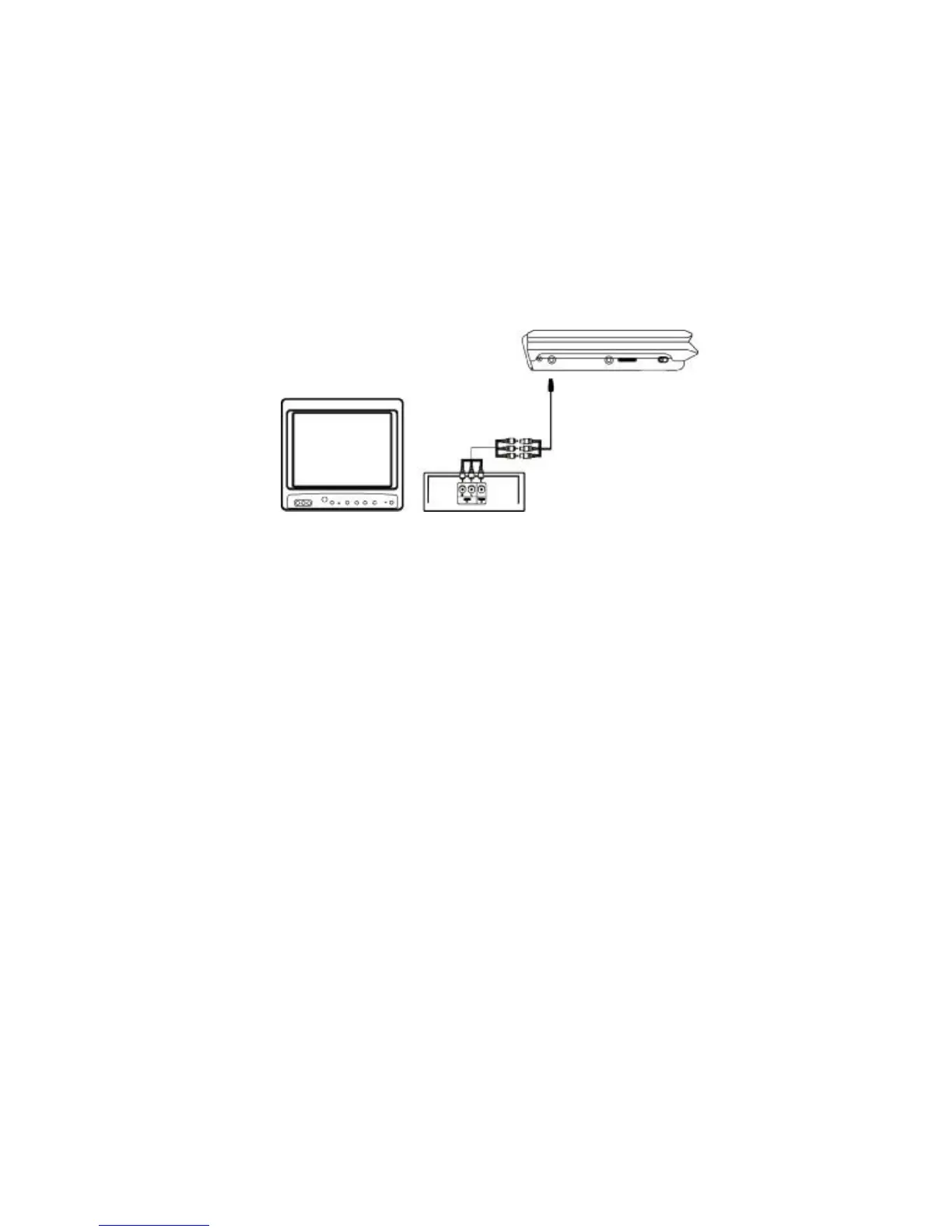
AV Out
Connecting with a TV or another monitor
Connect one end of the supplied audio/video cable’s black (1/8” stereo plug) plug into
the DVD’s AV jack, and connect the other end to the AUDIO INPUT jacks on your TV
or Monitor through an optional RCA cable(white = left channel, red = right channel,
yellow = video).
PDF created with FinePrint pdfFactory Pro trial version http://www.fineprint.com



 To Next Page