AXISP14NetworkCameraSeries
Setup
Howtocreateaprivacymask
Tocreateaprivacymask,gotoSettings>Privacymask.
Howtofocus
1.GotoSettings>Image>Focus.
2.ClickAutofocus.
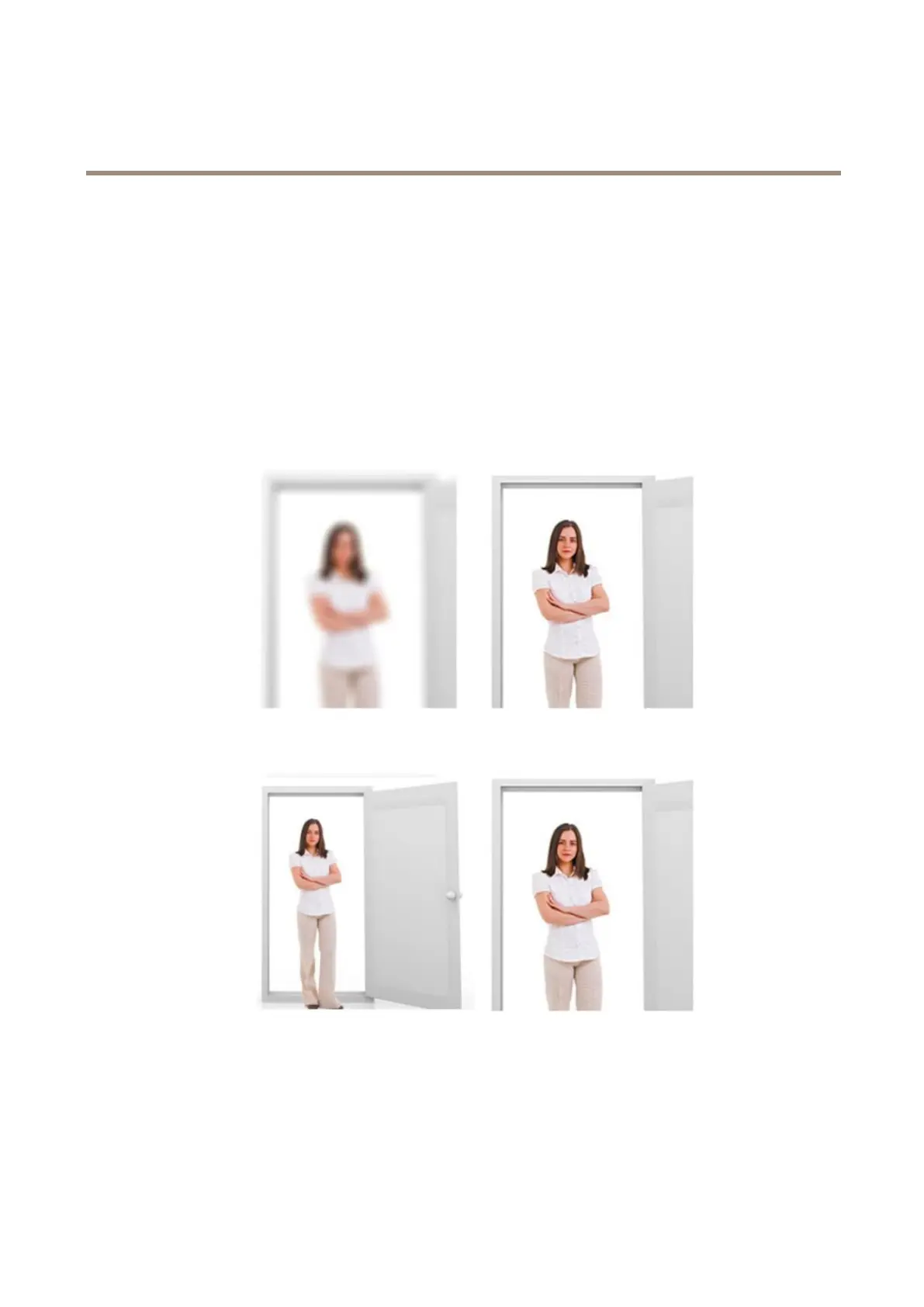
Aboutremotefocusandzoom
Theremotefocusandzoomfunctionalityallowsyoutomakefocusandzoomadjustmentstoyourcamerafromacomputer.Itisa
convenientwaytoensurethatthescene’sfocus,viewingangleandresolutionareoptimizedwithouthavingtovisitthecamera’s
installationlocation.
Left:nofocus.Right:remotefocusapplied.
Left:nozoom.Right:remotezoomapplied.
8



 To Next Page