AXISM1065-LWNetworkCamera
AXISVideoMotionDetection
AXISVideoMotionDetection
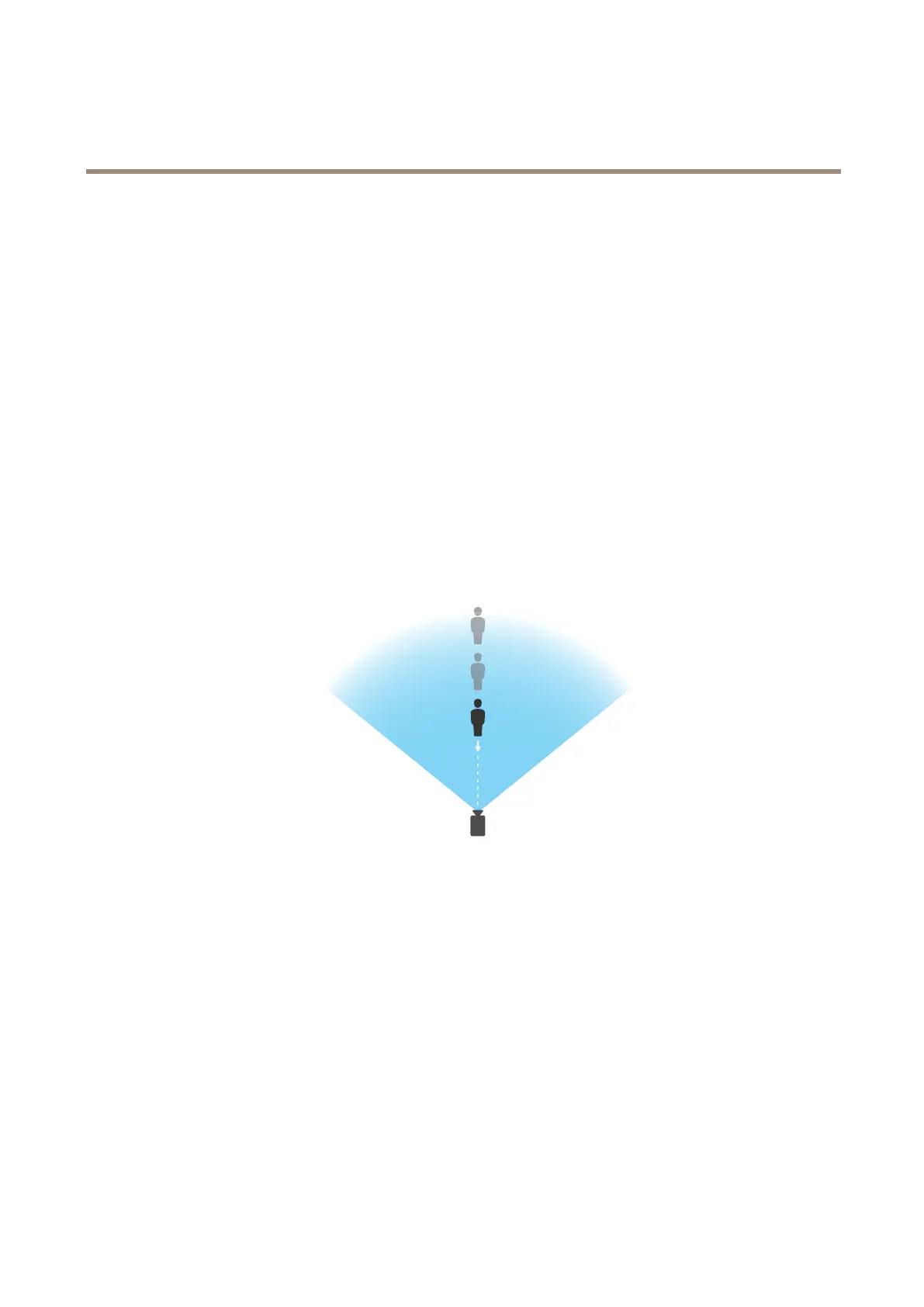
AXISVideoMotionDetectionisanapplicationthatdetectsmovingobjectsinthecamera’seldofview.Whenamovingobject
isdetected,AXISVideoMotionDetectionsendsanalarmthatcanbeusedbytheAxisproductorbythird-partysoftwareto
forexample,recordvideoorsendanotication.
AXISVideoMotionDetection3isincludedwiththeAxisproductandisavailableunderSetup>Applications.TouseAXISVideo
MotionDetection,theapplicationmustrstbestarted.Toavoiddetectingunwantedobjects,theapplicationshouldbecongured.
Duringconguration,visualconrmationcanbeusedtohelpunderstandtheeffectofthedifferentlters.Whenvisualconrmation
isenabled,redpolygonsshowwhichobjectstheapplicationdetectsandgreenpolygonsshowwhichobjectstheapplicationignores.
Considerations
Beforeusingtheapplication,takethefollowingintoconsideration:
•Detectionaccuracymaybeaffectedbyweatherconditionssuchasheavyrainorsnow.
•MakesurethatthelightingconditionsarewithintheAxisproduct’sspecication.Addadditionallightingifneeded.
•Makesurethatthecameraisnotsubjecttoexcessivevibrations.Vibrationsmighttriggerfalsealarms.
•Smallanddistantobjectsmightnotbedetected.
StartandStoptheApplication
Tostarttheapplication,selectitintheInstalledApplicationslistontheApplicationspageandclickStart.
Tostoptheapplication,selectitinthelistandclickStop.
CongureApplication
Onceinstalled,theapplicationisavailablefromSetup>Applications>MotionDetection3intheAxisproduct’swebpages.Goto
SettingsandthenclickAXISVideoMotionDetectionsettingstoopentheapplication’swebpage.
TheapplicationisavailablefromSetup>Applications>MotionDetection3.GotoSettingsandthenclickAXISVideoMotion
Detectionsettingstoopentheapplication’swebpage.
Toconguretheapplication,followthesesteps:
1.Modifythesizeandpositionoftheincludearea.Thisistheareainwhichmovingobjectswillbedetected.SeeInclude
Areaonpage36.
35



 To Next Page