EasyManua.ls Logo

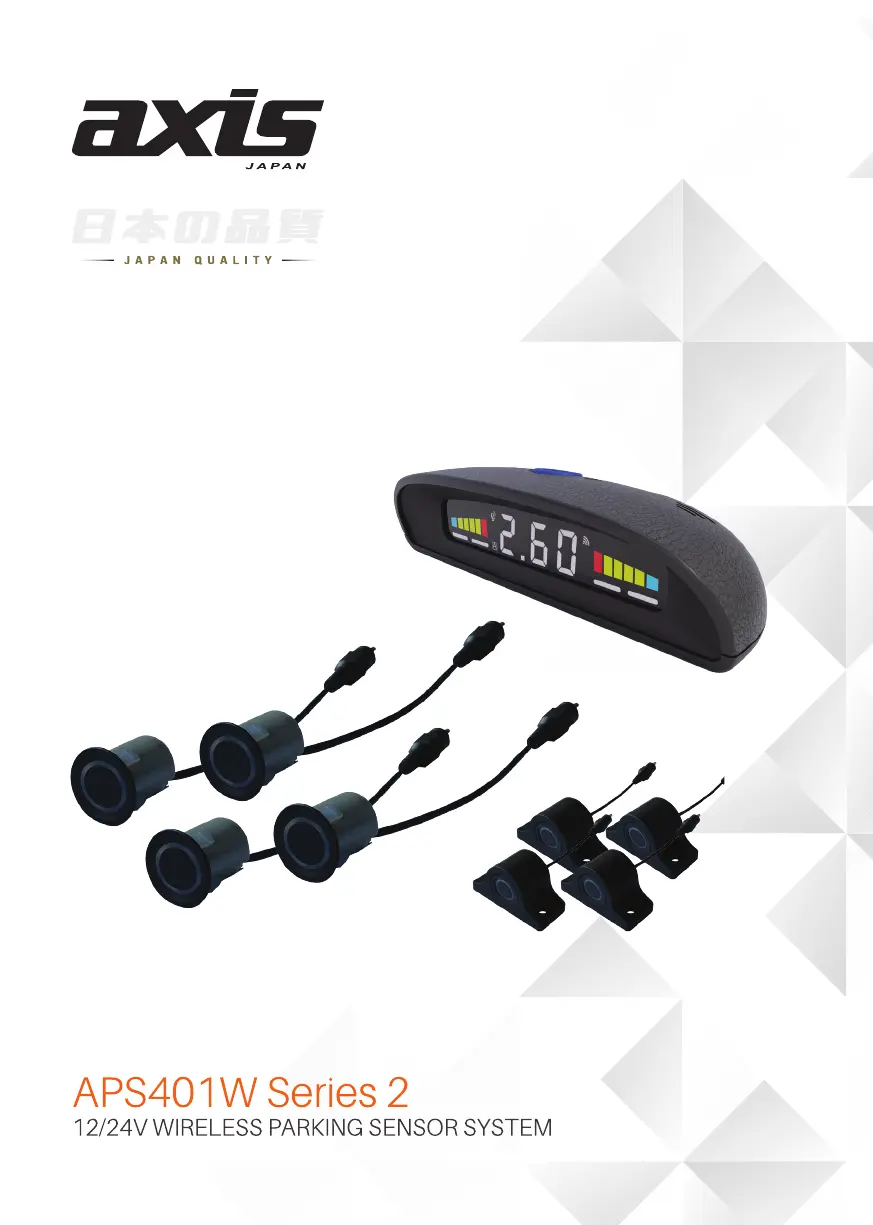
Axis 2 Series - User Manual

Axis 2 Series
16 pages
Print Icon
To Next Page IconTo Next Page
Loading...
1

Other manuals for Axis 2 Series

Questions and Answers

  • J
    jillianburnsJul 29, 2025
    How to fix Axis Automobile Electronics that displays no reading when reversing?
    • M
      Monica TorresJul 29, 2025
      If your Axis Automobile Electronics system displays no reading when reversing, it could be due to a few reasons. First, ensure the black wire is properly grounded to establish a solid ground connection. Second, the module might not be getting a signal because of obstructions; try moving it to a location with fewer obstacles. Finally, check the fuse and replace it with one of the same size if it's blown.
  • D
    dominguezmichaelAug 5, 2025
    What to do if Axis Automobile Electronics constantly displays “-p-“?
    • E
      Eric TaylorAug 5, 2025
      If your Axis Automobile Electronics monitor constantly displays “-p-” even when there are no obstacles, it means that an object protruding from the rear of the vehicle is being detected. You should adjust the minimum detection distance in the settings to resolve this issue.
  • B
    brownmonicaAug 12, 2025
    Why does my Axis Automobile Electronics constantly display a fixed distance?
    • M
      Melanie BarrAug 12, 2025
      If your Axis Automobile Electronics system constantly displays a fixed distance, the ground is likely being detected. To fix this, adjust the position or angle of the sensors and adjust the maximum detection distance in the settings.
  • E
    Eric SullivanAug 20, 2025
    What to do if sensor indicator is not illuminated on Axis Automobile Electronics?
    • C
      Christopher AriasAug 20, 2025
      If one of the sensor indicators on your Axis Automobile Electronics display is not illuminated, it's likely that the sensor or cable isn't properly connected. Check all connections between the sensor and the module to ensure they are secure.

Summary

Important Safety and Usage Precautions

Product Usage and Safety Guidelines

Read manual, test system, understand false alarms, observe speed limits, and use as an aid.

Advised Sensor Installation Positions

Sensor Alignment and Mounting Height

Ensuring drill holes are in line and sensors are positioned vertically and on a clean surface.

Drilling Position for Sensors A & D

Drilling Position for Sensors B & C

Installation Procedures: Drilling and Mounting

Troubleshooting Common Issues

No Reading During Reversing

Troubleshooting steps for when the display shows no reading while reversing.

Constant -p- Display and Fixed Distance

Resolving constant '-p-' display and fixed distance issues.

Unilluminated Sensor Indicator

Diagnosing and fixing an issue where a sensor indicator is not lit.

Axis 2 Series Specifications

General IconGeneral
BrandAxis
Model2 Series
CategoryAutomobile Accessories
LanguageEnglish

Related product manuals