Adding Printers in Windows
32 AXIS 5900 User’s Manual
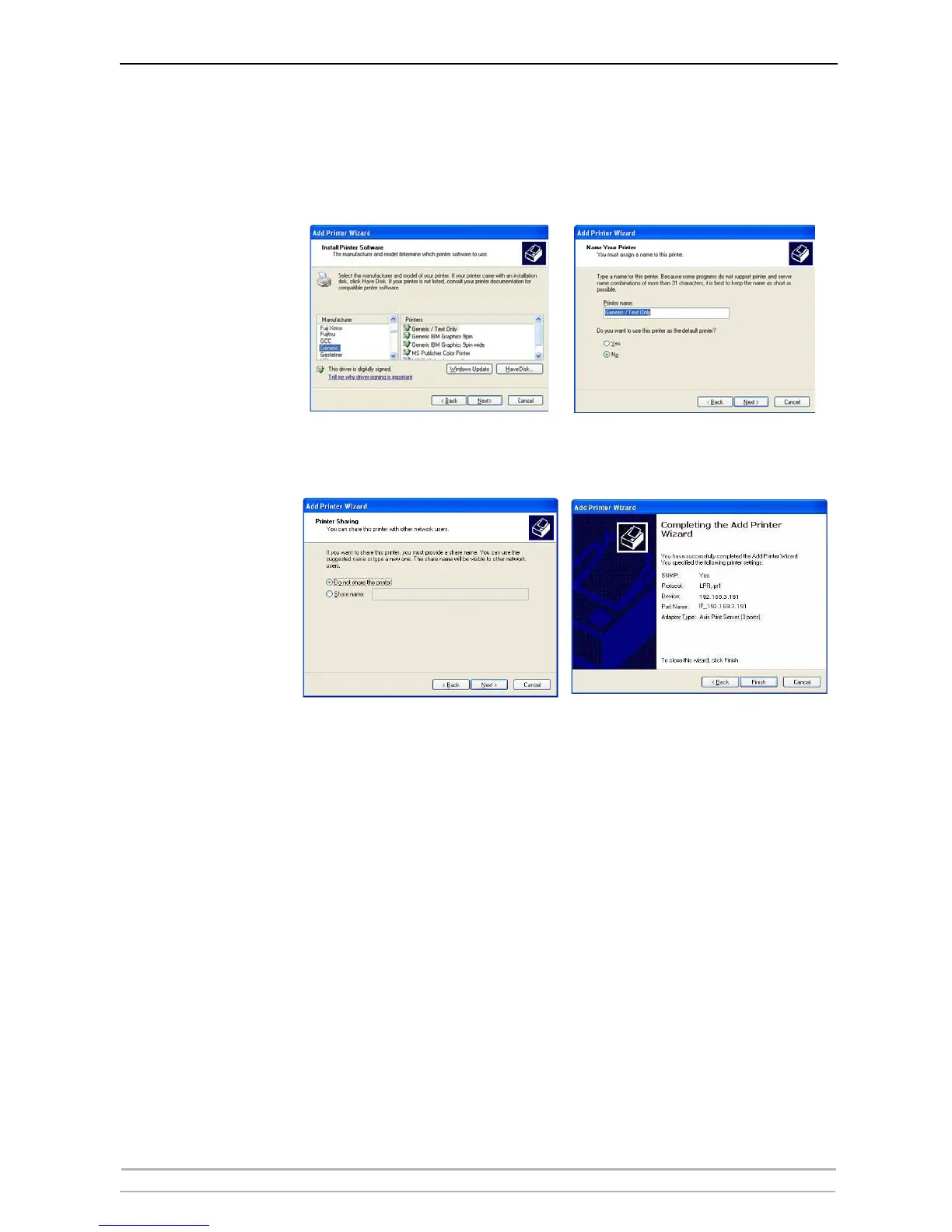
6. Select Manufacturer and Printer from the driver list or from a directory/file.
Click Next. If you already have the printer’s driver installed, you will be asked
whether to keep it or replace it.
7. Click Next. Supply a name for the printer and choose whether you want to
make it your default printer. Click Next.
8. Choose whether you want to share the printer with other network users,
print a test page, etc. Select the appropriate radio button and click Next and
Finish.
9. Print a test page to verify your installation.
You have now completed the installation.



 To Next Page