Adding Printers in NetWare
56 AXIS 5900 User’s Manual
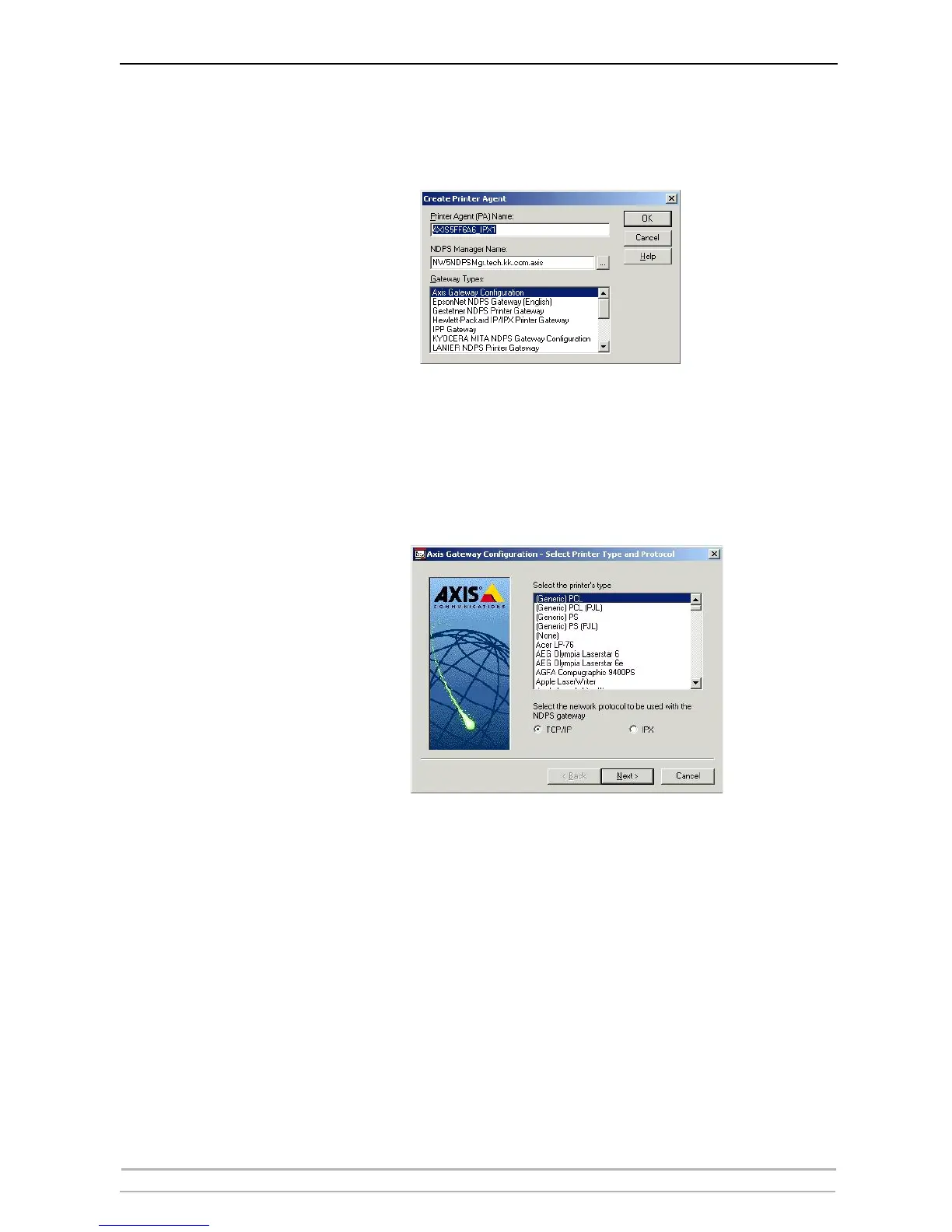
8. Confirm the Printer Agent name (default is the name of the new printer you
are creating) and browse to select the NDPS Manager to which you want
to assign it
9. Select AXIS Gateway Configuration in the Gateway Type field.
10. Click OK.
11. In the Select the printer’s type window choose your printer. If you cannot
find the printer, select an appropriate Generic one (PCL, PS, etc)
12. Select TCP/IP (default) or IPX as network protocol.
13. Click Next.



 To Next Page