Adding Printers in NetWare
AXIS 5900 User’s Manual 57
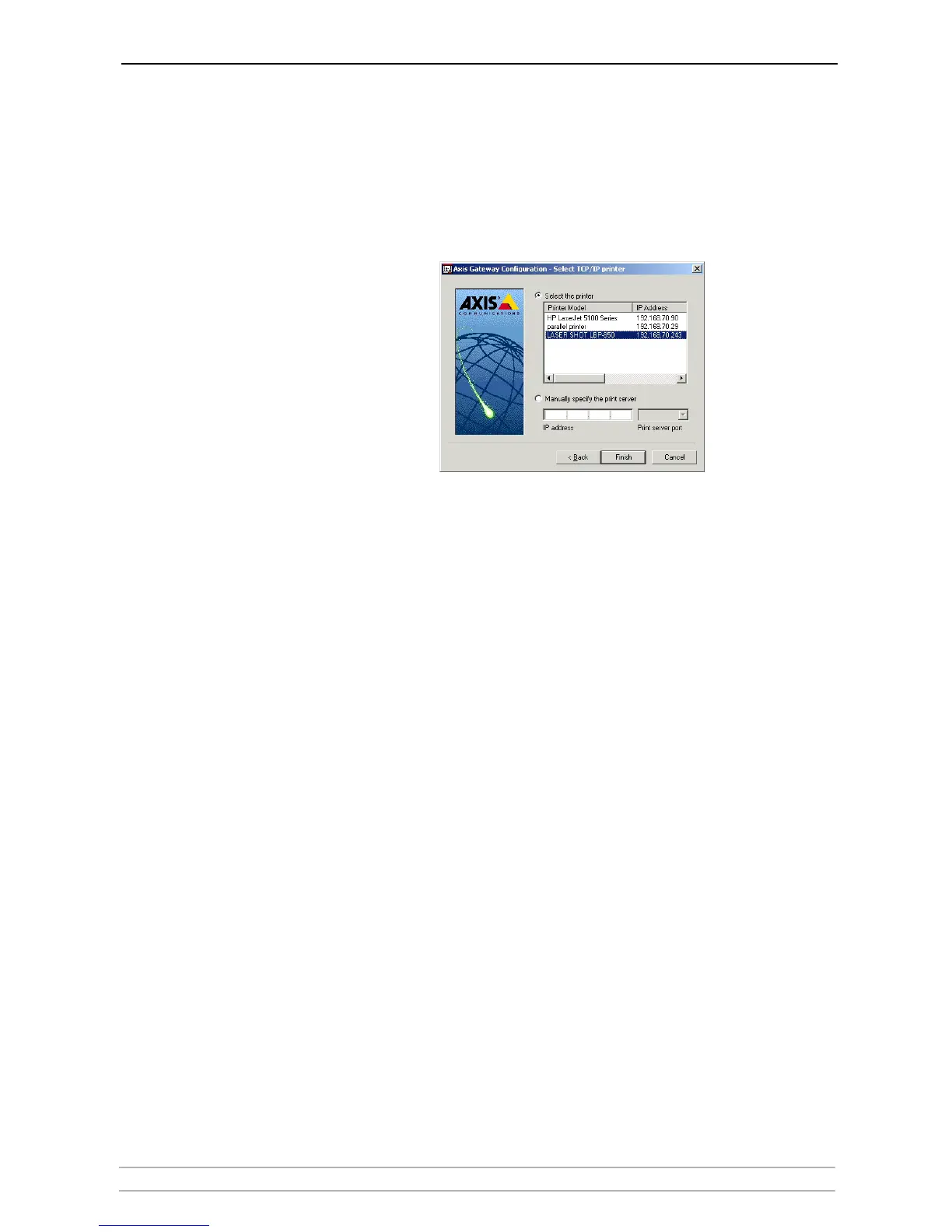
14. You will find the print server in the next window with the printer attached
on the connected port.
Depending on the transport protocol you used when you start the
installation, the print server will appear as:
• TCP/IP Network protocol:
IP Address and Port, e.g:
192.168.70.243
and
LPT1
(or
LPT2
)
Only the ports with a connected printer will show up in this window.



 To Next Page