Adding Printers in NetWare
58 AXIS 5900 User’s Manual
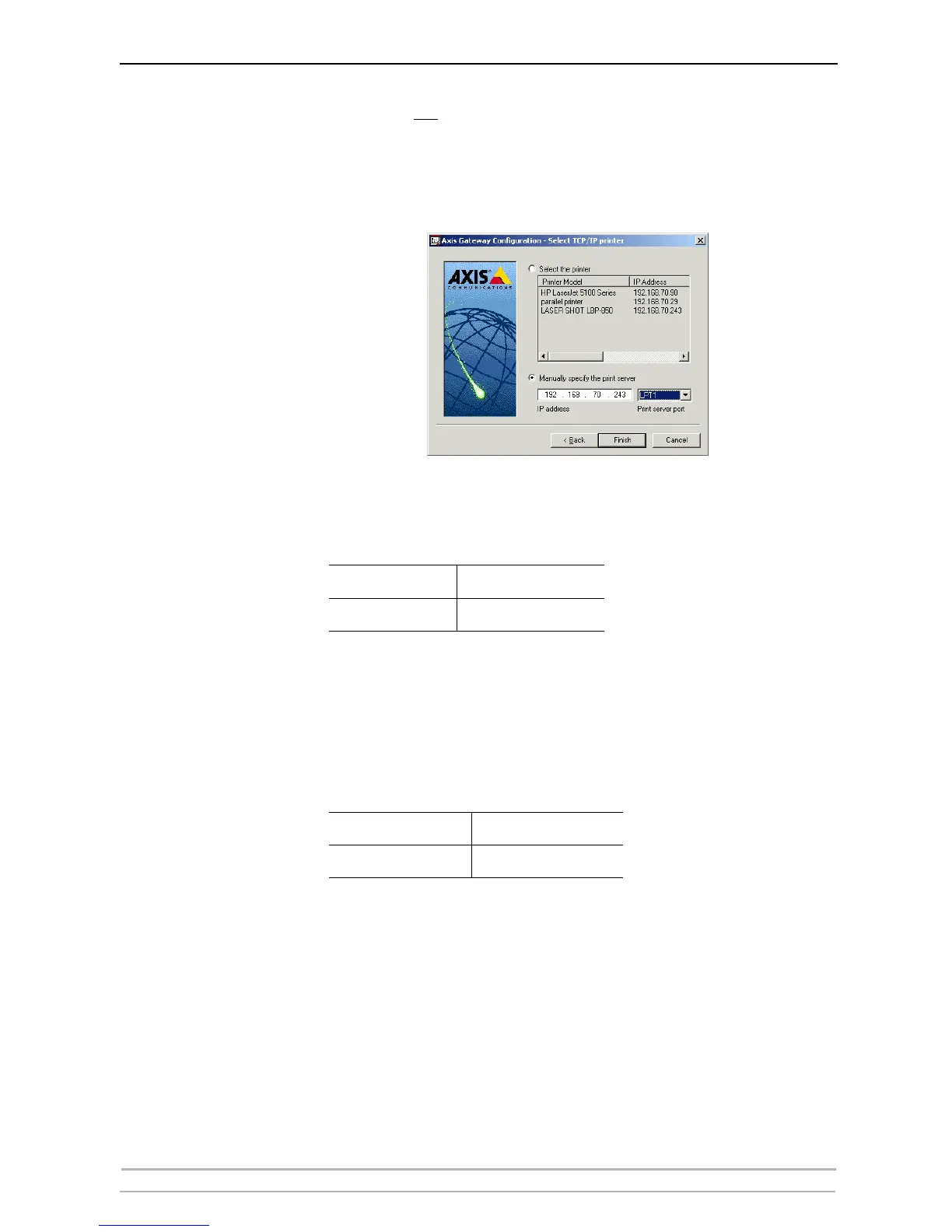
If the printer is not in the displayed print list:
1. Click Manually specify the print server enter the print server’s IP address
in the IP Address field and choose a port in the Print server port field
e.g., 192.168.70.243 and LPT1 (or LPT2).
IPX Network protocol:
All the available ports will be presented, regardless if the printers are
or not connected to those ports.
The IPX Addresses for the above printers will appear as:
<IPX External Network Number>:<Print server’s HW
address>:<Socket Number>
i.e.: 01d7e1c2:00408c5ff6a6:400c
where 400c, 401c, and 402c are the socket numbers corresponding to
the LPT1 and LPT2 physical ports:
LPT1
AXIS5FF66A_P1
LPT2
AXIS5FF66A_P2
LPT1
400c
LPT2
401c



 To Next Page