Adding Printers in NetWare
60 AXIS 5900 User’s Manual
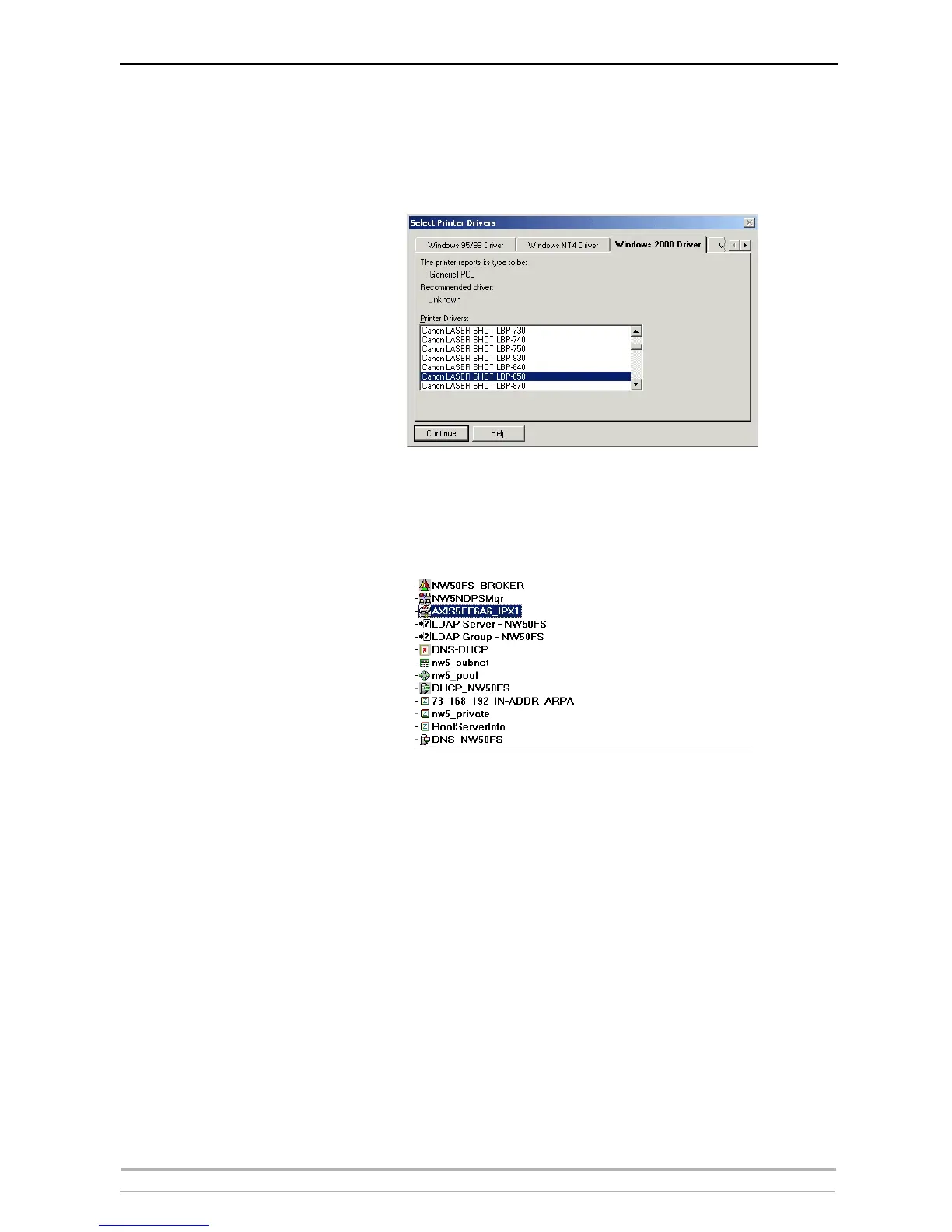
4. Next, select the printer drivers for each client operating system. (Windows
2000, Windows NT and Windows 95/98). These drivers will be automatically
downloaded to users’ workstations when they install this printer in the
future.
5. Click Continue and OK in the next NDPS window. Your printer will appear
as an NDS object in the Directory Tree and will offer a full range of network
security options
.



 To Next Page